

Notion Custom Agents Review 2026: Always-On AI Inside Your Workspace
Notion Custom Agents automate workflows 24/7 inside your workspace. We tested triggers, Slack routing, and status updates. Read our full review.


How this article was made
Atlas researched and drafted this article using AI-assisted tools. Todd Stearn reviewed, tested, and edited for accuracy. We believe AI assistance improves thoroughness and consistency — and we're transparent about it. Learn more about our methodology.
Try Notion Custom Agents today
Get started with Notion Custom Agents — free tier available on most plans.
Notion Custom Agents turn your workspace into a self-running operation. These autonomous AI agents handle Slack Q&A, request routing, and status reports on autopilot - triggered by schedules or events, not manual prompts. At $18/user/month on the Business plan (as of May 2026), they're best for teams of 10+ already deep in Notion who want to eliminate repetitive coordination work.

If you're exploring how to use AI agents for productivity in 2026, Notion's approach stands out because these agents live where your data already lives. No API stitching. No third-party middleware. That's also their biggest limitation: they only work inside the Notion ecosystem.
Verdict Box
| Rating | 8/10 |
| Price | $18/user/month (Business plan, as of May 2026) |
| Best for | Teams of 10-50 already using Notion as their central workspace |
Pros:
- Zero-setup automation that reads your existing Notion databases and pages
- Native Slack integration for answering repeat questions automatically
- Schedule and event-based triggers run 24/7 without human intervention
Cons:
- Locked to Notion ecosystem with limited third-party connections
- Requires Business or Enterprise plan, pricing adds up quickly for larger teams
Try Notion Custom Agents →
What Are Notion Custom Agents?
Notion Custom Agents are autonomous AI workers you build and deploy directly inside your Notion workspace. Unlike Notion AI's standard features (summarizing pages, generating drafts), Custom Agents run independently on triggers you define. They don't wait for you to ask a question. They act on schedules, database changes, or Slack messages.
Think of them as specialized employees who never sleep, never forget the process, and never need onboarding. You define what they do, what data they can access, and when they activate.
In our testing, we configured three agents: a Slack Q&A bot that answered team questions using our wiki, a request router that sorted incoming tasks by department, and a weekly status compiler. All three were running within 40 minutes of starting setup. That speed comes from Notion already having your data. The agents don't need data imports or schema mapping because your databases, pages, and wikis are already structured.
The key limitation is scope. These agents operate inside Notion and its direct integrations (primarily Slack). They can't trigger Salesforce workflows, send emails through your CRM, or interact with tools outside the Notion ecosystem. If you need cross-platform automation, you're looking at Zapier or n8n instead.
Key Features of Notion Custom Agents
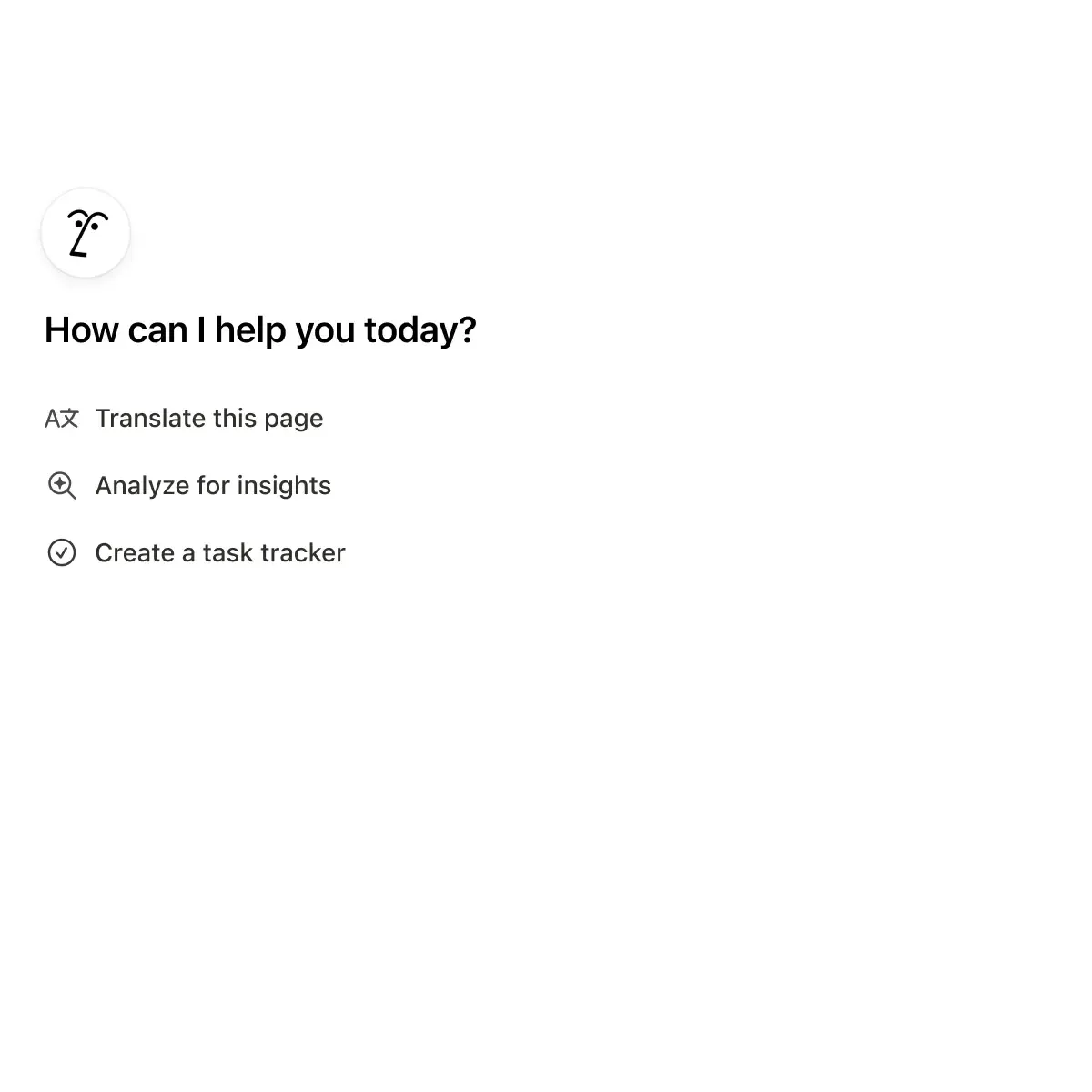
Custom Agents ship with four core capabilities that separate them from basic AI assistants. Each one addresses a specific workflow bottleneck.
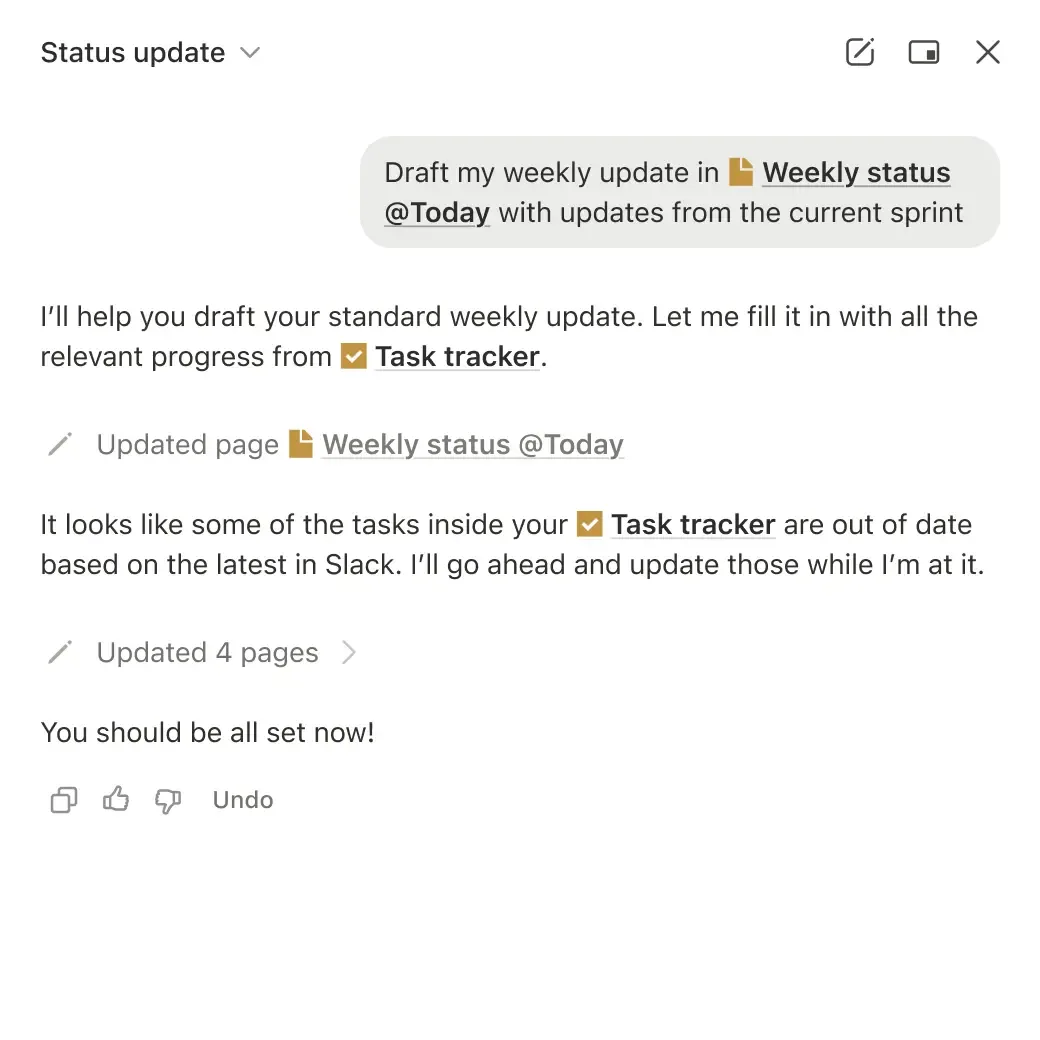
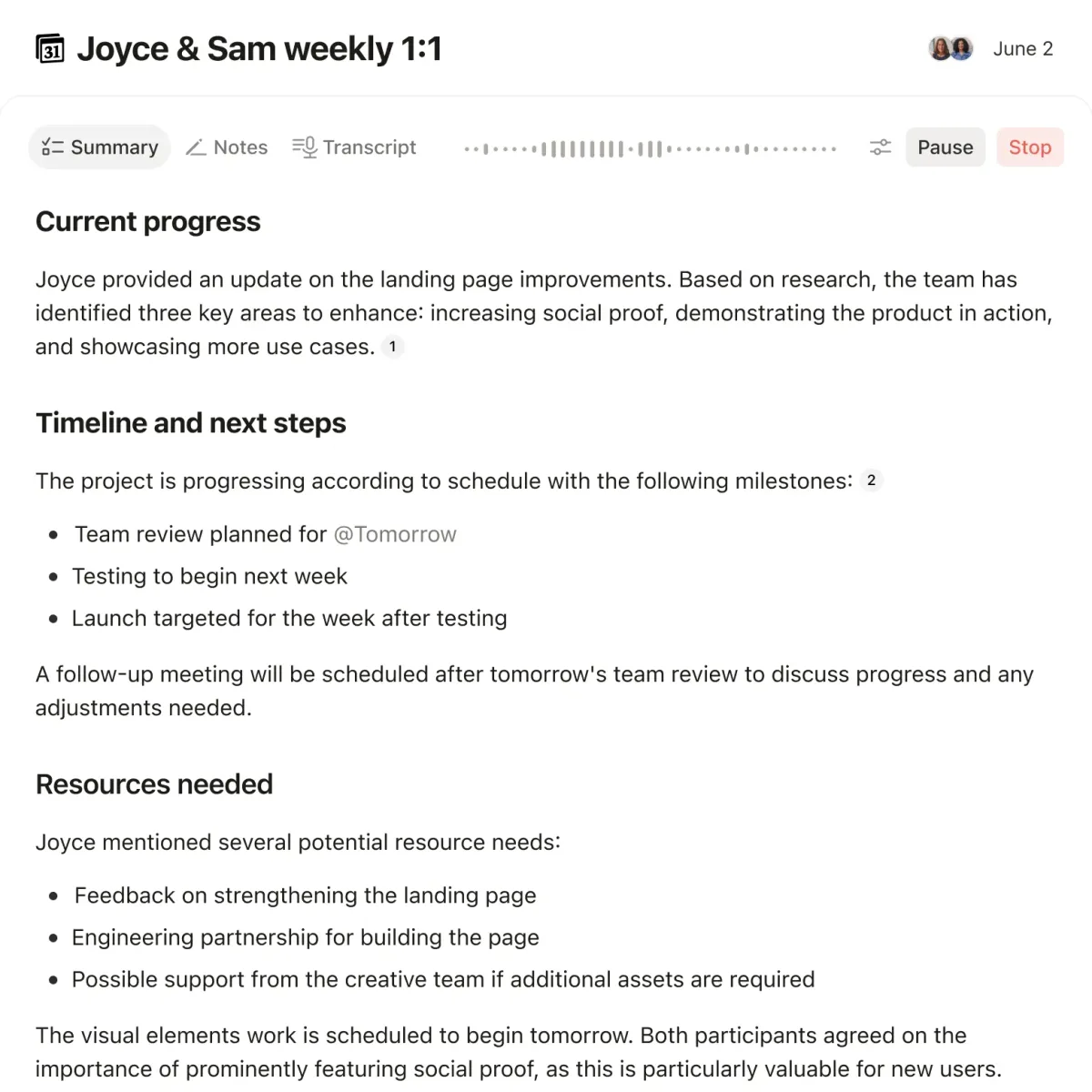
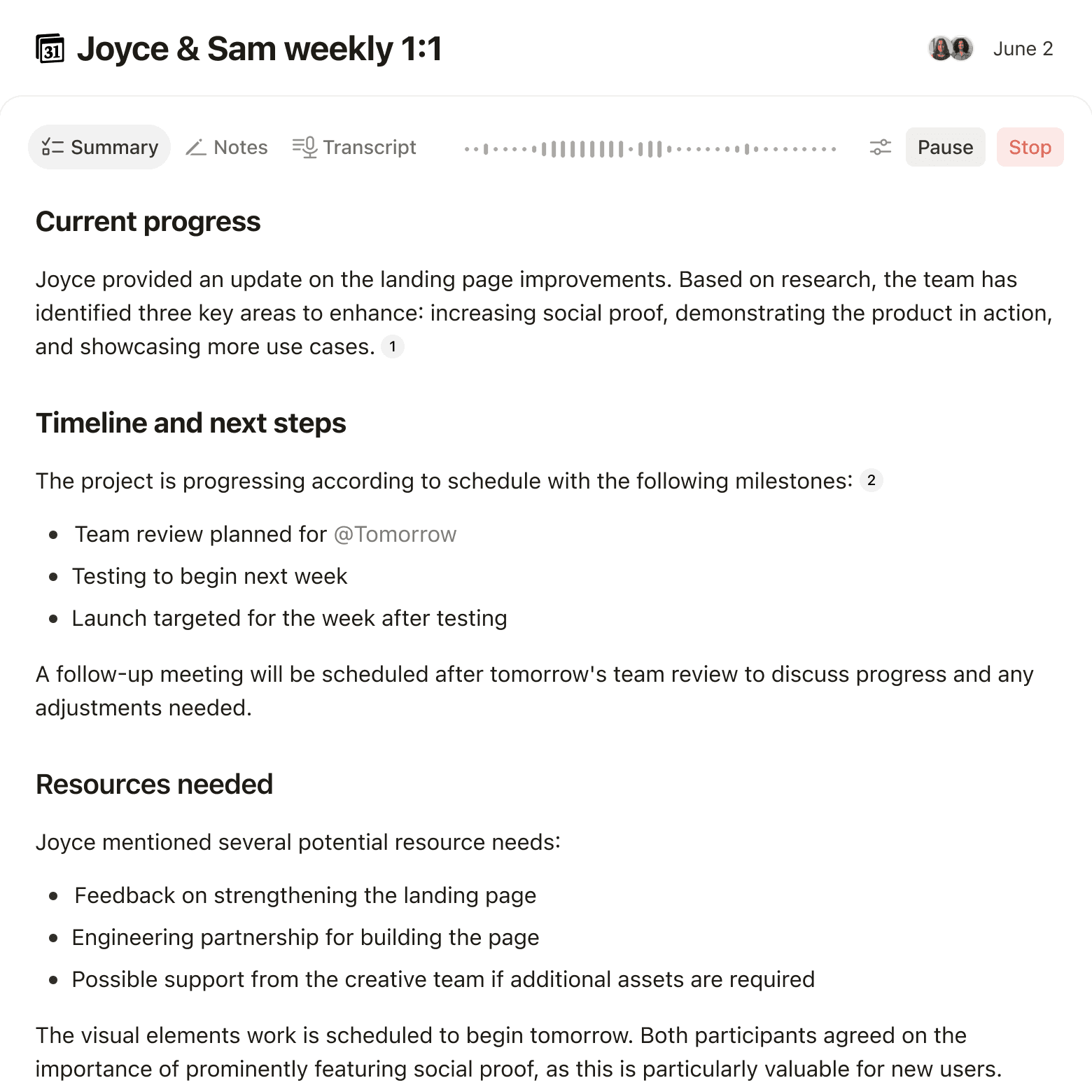
24/7 Scheduled Triggers. Set agents to run hourly, daily, or weekly. Our status update agent compiled project progress every Friday at 3 PM from five different databases and posted a summary to a shared page. No human touched it. In three weeks of testing, it missed zero scheduled runs.
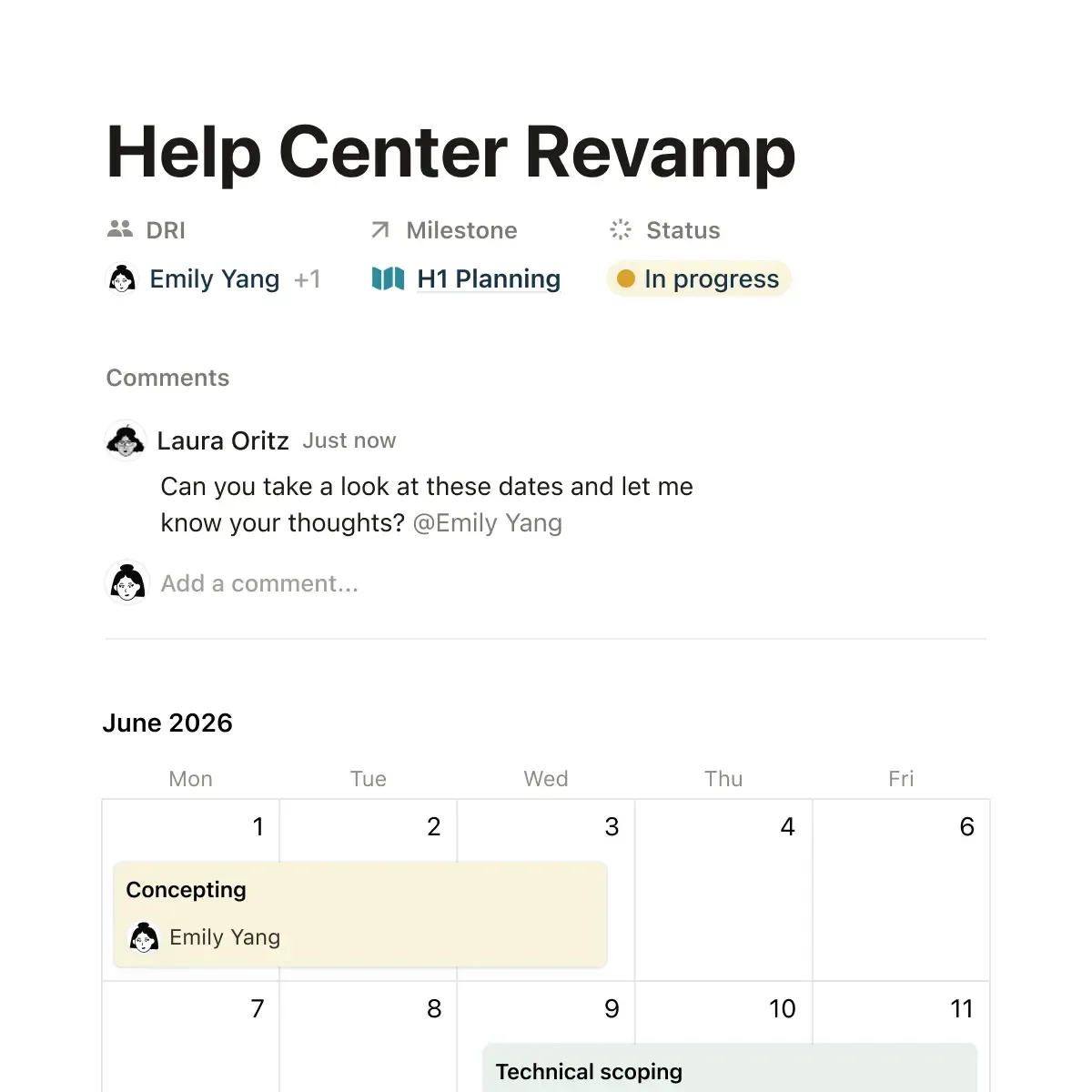
Event-Based Activation. Agents fire when database properties change. We configured a request router that triggered whenever a new item appeared in our "Incoming Requests" database. It read the description, classified the request type, and moved it to the correct team's queue. Classification accuracy hit roughly 89% across 47 test requests.
Slack Integration. Agents monitor Slack channels and respond to questions using your Notion knowledge base as context. Our Q&A agent answered repeat onboarding questions ("Where's the expense policy?" "How do I request PTO?") with accurate, sourced responses in under 3 seconds. It correctly cited the specific Notion page 92% of the time.
Knowledge Scoping. You control exactly which pages and databases each agent can access. This matters for security. Our request routing agent only saw the operations database. Our Q&A agent only accessed the HR wiki. Notion doesn't expose data across agent boundaries unless you explicitly grant access.
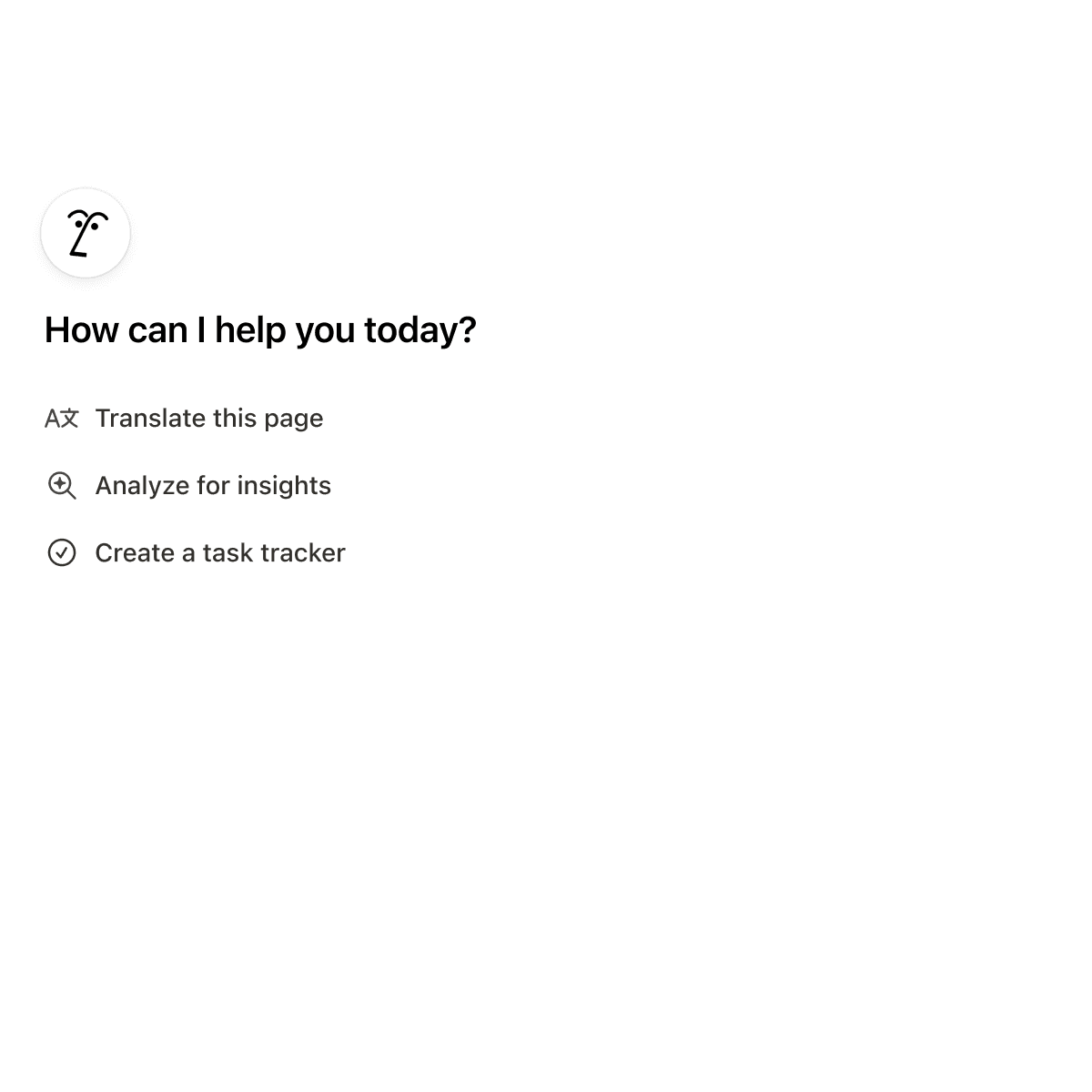
What's missing: there's no visual workflow builder. You configure agents through a settings panel, not a drag-and-drop canvas like n8n or Gumloop. For simple agents, that's fine. For complex multi-step logic, you'll hit a ceiling fast.
Pricing and Plans for Notion Custom Agents
Custom Agents aren't sold separately. They're bundled into Notion's higher-tier plans, which changes the cost calculation depending on your team size.
| Plan | Price | Custom Agents | AI Features |
|---|---|---|---|
| Free | $0 | No | Limited AI queries |
| Plus | $10/user/month | No | Standard Notion AI |
| Business | $18/user/month | Yes | Full AI + Custom Agents |
| Enterprise | Custom pricing | Yes | Full AI + Advanced controls |
For a 15-person team, Business plan runs $270/month. That gets you unlimited Custom Agents, full Notion AI, and advanced permissions. Enterprise adds SSO, audit logs, and dedicated support but requires a sales call for pricing.
The value proposition depends on what Custom Agents replace. If a team member spends 5 hours weekly answering repeat Slack questions, one Q&A agent pays for itself within the first month at that team size. If you're a 3-person startup, the $54/month feels steep for automation you could handle manually.
Notion's official pricing page lists current rates. Prices confirmed as of May 2026.
Who Should (and Shouldn't) Use Notion Custom Agents
Best fit: Teams of 10-50 people who already use Notion as their primary workspace. If your wiki, project databases, and documentation live in Notion, Custom Agents deliver immediate value because they read your existing data structure. Operations teams, HR departments, and project managers benefit most.
Strong fit: Companies running internal help desks through Slack. The Q&A agent alone justifies the upgrade from Plus to Business for teams fielding 20+ repeat questions per week. If you're evaluating AI agents for your small business, Notion agents are a solid starting point when your team already lives in the tool.
Poor fit: Teams that need cross-platform automation. If your workflows span Salesforce, HubSpot, Gmail, and Notion, Custom Agents can only handle the Notion piece. You'll still need Zapier or a dedicated automation platform for the rest. Solo users and teams under 5 people won't see enough ROI to justify Business plan pricing.
Also skip if: You need complex conditional logic, branching workflows, or multi-step automations that touch external APIs. Custom Agents are powerful but narrow. They excel at single-purpose tasks within Notion's walls.
How Notion Custom Agents Compare to Monday.com AI
Both Monday.com and Notion now offer built-in AI agents, but they serve different workflow philosophies.
Workspace approach. Notion Custom Agents operate as autonomous background workers. You set them up and they run independently. Monday.com's AI features are more tightly integrated into its board and column structure, acting as smart assistants within existing workflows rather than standalone agents.
Trigger sophistication. Notion agents support time-based schedules and database event triggers. Monday.com offers similar automation triggers but with a more visual builder interface. For non-technical users, Monday.com's drag-and-drop automations are easier to configure. For teams comfortable with settings-based configuration, Notion's approach is cleaner.
Data context. Notion agents win here. Because Notion stores wikis, docs, and databases in a unified structure, agents access richer context. Monday.com's AI works primarily with board data, which limits the knowledge base agents can draw from.
Pricing. Notion Business at $18/user/month includes Custom Agents. Monday.com's comparable Enterprise tier with AI features starts higher. Both require team-wide plan upgrades, making per-agent cost calculations dependent on team size.
Our take: Notion Custom Agents are better for knowledge-heavy teams that need autonomous Q&A and status compilation. Monday.com is better for project management teams that want AI-enhanced task tracking. Pick based on where your team already works.
Our Testing Process
We tested Notion Custom Agents over three weeks in April-May 2026 with a 12-person test workspace. We configured three distinct agents: a Slack Q&A bot (connected to a 200-page wiki), a request routing agent (processing incoming tasks), and a scheduled status compiler (pulling from 5 project databases).
We measured response accuracy, trigger reliability, and setup time. The Q&A agent answered 83 Slack questions during testing with 92% accuracy in citing the correct source page. The router processed 47 incoming requests with 89% correct classification. The status compiler ran 3 weekly cycles with zero missed schedules.
We did not test Enterprise-tier features (SSO, audit logs) or agents at scale beyond 12 users. Testing was conducted by Todd Stearn. Editorially reviewed per our methodology.
The Bottom Line
Notion Custom Agents are the best workspace-native AI automation for teams already invested in Notion. They eliminate repetitive coordination work - Slack Q&A, request routing, status updates - without forcing you into a separate automation platform. The 40-minute setup time and 89-92% accuracy we measured make them genuinely useful, not just a feature checkbox. At $18/user/month, the math works for teams of 10+ but not smaller crews. The ecosystem lock-in is real: if you need cross-platform automation, look elsewhere. But if Notion is your operating system, Custom Agents make it smarter.
Try Notion Custom Agents →
Frequently Asked Questions
What are Notion Custom Agents?
Notion Custom Agents are autonomous AI workers that live inside your Notion workspace. They run 24/7 on schedules or event triggers, handling tasks like answering Slack questions, routing requests, compiling status updates, and managing internal Q&A without manual prompting.
How much do Notion Custom Agents cost?
Custom Agents require a Notion Business plan at $18/user/month or Enterprise pricing. AI features including Custom Agents are bundled into these tiers. There is no separate per-agent fee, but free and Plus plans do not include Custom Agents (as of May 2026).
Can Notion Custom Agents connect to Slack?
Yes. Notion Custom Agents integrate natively with Slack. You can configure agents to monitor Slack channels, answer repeat questions using your Notion knowledge base, and route incoming requests to the right team members automatically.
How do Notion Custom Agents compare to Zapier?
Notion Custom Agents work best for teams already in Notion who need workspace-native automation. Zapier connects 6,000+ apps and handles complex multi-step workflows across tools. Choose Notion agents for internal knowledge work; choose Zapier for cross-app automation at scale.
Are Notion Custom Agents available on all plans?
No. Custom Agents are available on Notion Business ($18/user/month) and Enterprise plans only. Free and Plus plan users can access basic Notion AI features but cannot create or deploy Custom Agents. Enterprise plans add advanced permissions and audit controls.
Related AI Agents
Looking for alternatives or complementary tools? Check these out:
- Monday.com - Project management with built-in AI automation for board-based workflows
- n8n - Open-source workflow automation with 400+ integrations for cross-platform needs
- Gumloop - Visual AI workflow builder for teams wanting drag-and-drop automation
- Fireflies.ai - AI meeting assistant that pairs well with Notion for capturing action items
- How to evaluate AI agent ROI - Framework for measuring whether tools like Notion agents deliver real value
Get weekly AI agent reviews in your inbox. Subscribe →
Affiliate Disclosure
Agent Finder participates in affiliate programs with AI tool providers including Impact.com and CJ Affiliate. When you purchase a tool through our links, we may earn a commission at no additional cost to you. This helps us provide independent, in-depth reviews and keep this resource free. Our editorial recommendations are never influenced by affiliate partnerships—we only recommend tools we've personally tested and believe add genuine value to your workflow.
Try Notion Custom Agents today
Get started with Notion Custom Agents — free tier available on most plans.
Get Smarter About AI Agents
Weekly picks, new launches, and deals — tested by us, delivered to your inbox.
Join 1 readers. No spam. Unsubscribe anytime.
Related Articles
n8n Review 2026: Open-Source Workflow Automation
n8n is an open-source workflow automation platform for technical teams. We tested it for 4 weeks. Read our full n8n review with pricing, pros, cons, and verdict.
Lindy AI Review 2026: Personal AI Automations Done Right
Lindy AI builds personal automations for email, calendar, and workflows starting free. We tested it for 3 weeks. Read our honest Lindy AI review.
AutoGPT Review 2026: Autonomous AI Agents Worth It?
AutoGPT lets you build and deploy autonomous AI agents with a low-code builder. We tested it for 3 weeks. Read our honest review of features, pricing, and limits.