
SkedPal Review 2026: AI Scheduling That Actually Works
SkedPal review: AI scheduling agent that auto-builds your calendar from tasks. We tested it for 3 weeks. $14.95/mo. See if it's worth it.


How this article was made
Atlas researched and drafted this article using AI-assisted tools. Todd Stearn reviewed, tested, and edited for accuracy. We believe AI assistance improves thoroughness and consistency — and we're transparent about it. Learn more about our methodology.
Try SkedPal today
Get started with SkedPal — free tier available on most plans.
SkedPal is the best AI scheduling agent for individual professionals who juggle 20+ tasks weekly and hate manually time blocking their calendar. It converts your to-do list into a dynamic, priority-weighted schedule at $14.95/month for the Pro plan. Best for freelancers, consultants, and knowledge workers drowning in task management.
Quick Assessment
| Rating | 7/10 |
| Price | $9.95-$14.95/month (as of May 2026) |
| Best for | Solo professionals managing complex task loads |
| Free trial | 14 days, full access |
Pros:
- AI dynamically reschedules your entire day when priorities shift
- Deep time preference controls (morning person? SkedPal knows)
- Handles deadline pressure intelligently without panic-scheduling everything
Cons:
- Steep learning curve for setting up time maps and scheduling rules
- No team collaboration features - strictly a solo tool
If you're exploring how AI agents fit into your workflow, our guide on how to automate your entire workflow with AI agents covers the broader landscape. SkedPal fills a specific niche within that ecosystem - and fills it well for the right user. We also ranked it against the field in our best AI productivity tools comparison.
What Is SkedPal?
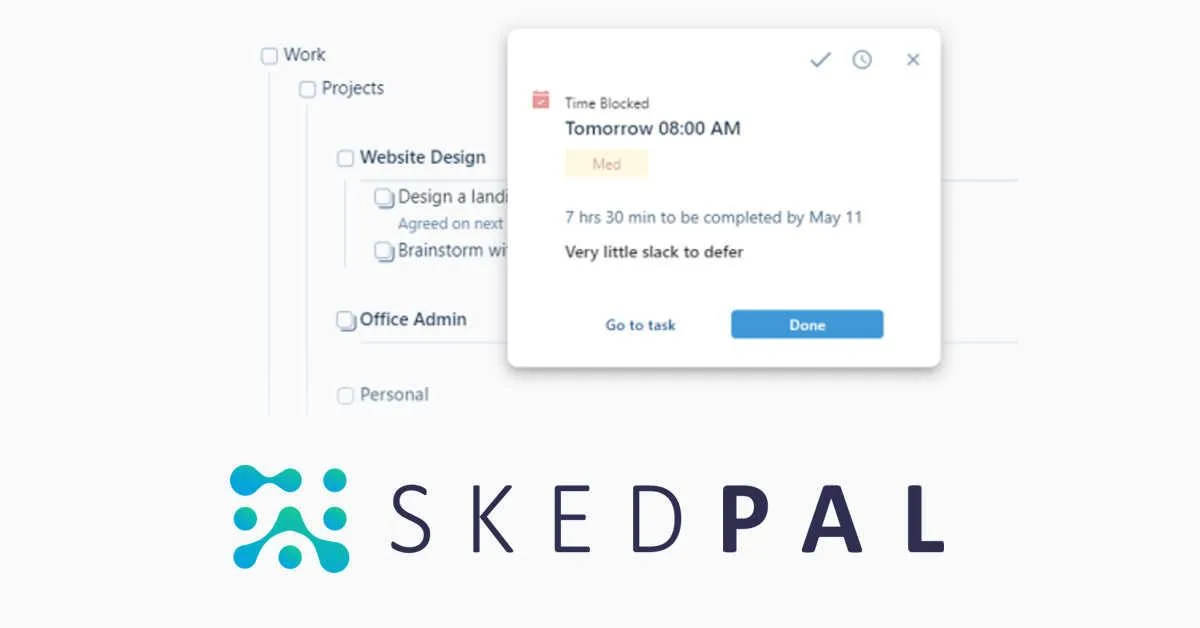
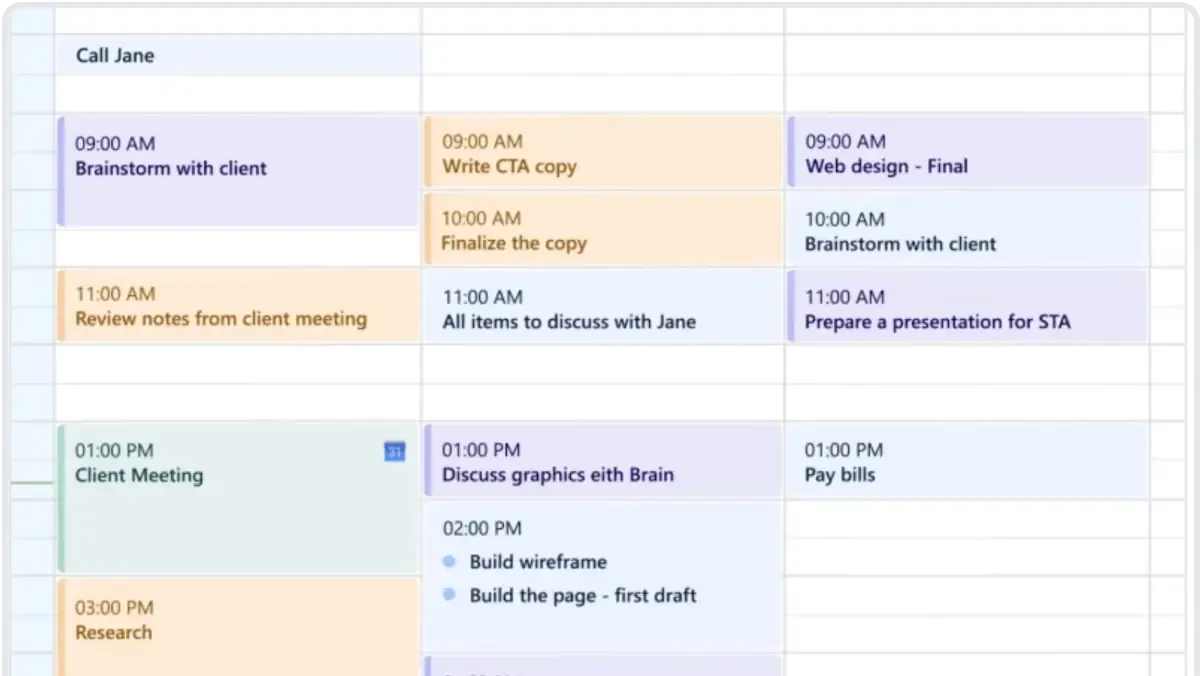
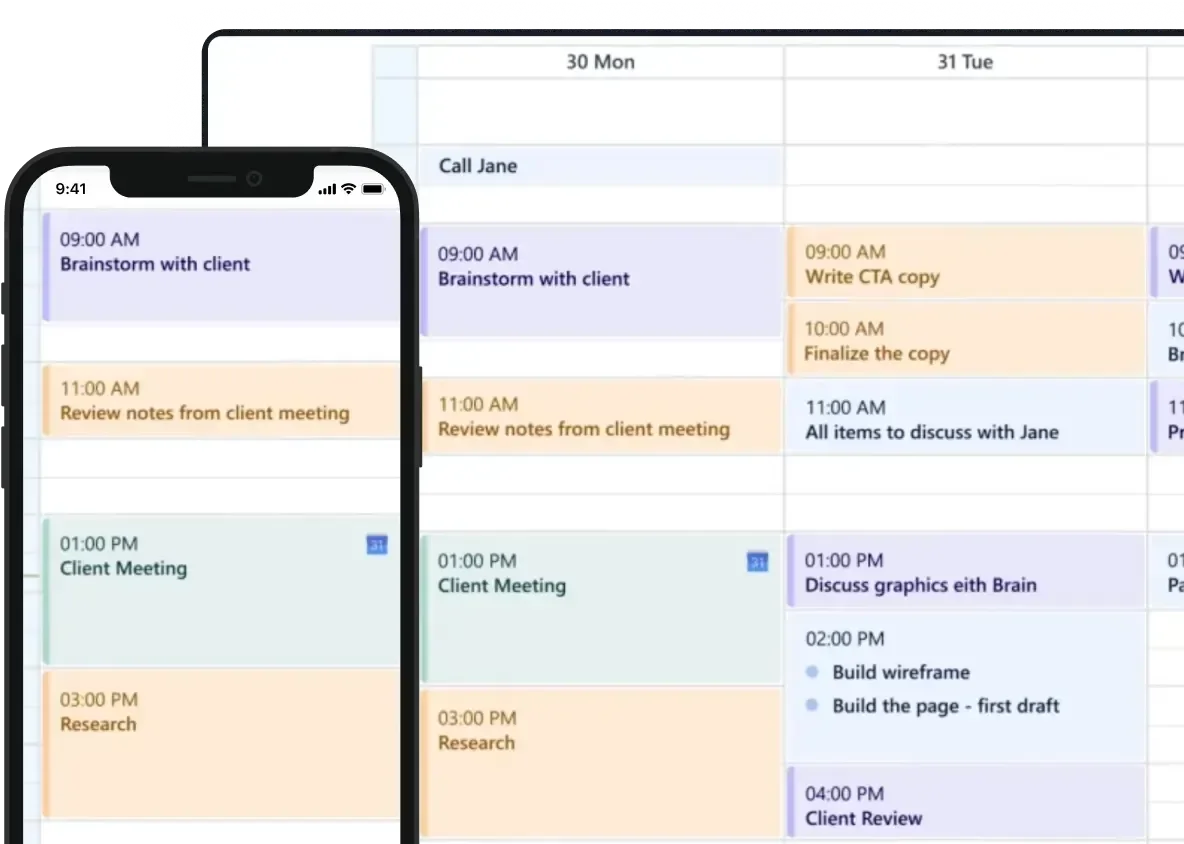
SkedPal is an AI-powered scheduling agent that takes your task list and automatically builds a time-blocked calendar. Think of it as GPS navigation for your workday - you tell it where you need to go (your tasks and deadlines), and it calculates the best route through your week.
Founded in 2015, SkedPal has been quietly iterating on AI scheduling long before the current agent boom. The core concept hasn't changed: you dump tasks into the system with priorities, deadlines, and time preferences, and SkedPal's algorithm generates an optimized daily schedule. When something changes - a meeting runs long, a deadline moves up, you procrastinate on a report - SkedPal reshuffles everything automatically.
The key differentiator is what SkedPal calls "time maps." These are rules you set about when certain types of work should happen. Deep focus work in the morning. Admin tasks after lunch. Creative projects on Wednesdays. The AI respects these preferences while still hitting your deadlines. It syncs with Google Calendar, Outlook, and Apple Calendar, treating your existing appointments as fixed blocks and scheduling tasks around them.
SkedPal isn't a project management tool. It doesn't handle team assignments, Gantt charts, or resource allocation. It does one thing - schedule your personal tasks intelligently - and that focused approach is both its strength and its limitation.
Key Features of SkedPal
SkedPal's feature set is narrower than you'd expect from a productivity tool in 2026, but each feature runs deep. Here's what matters.
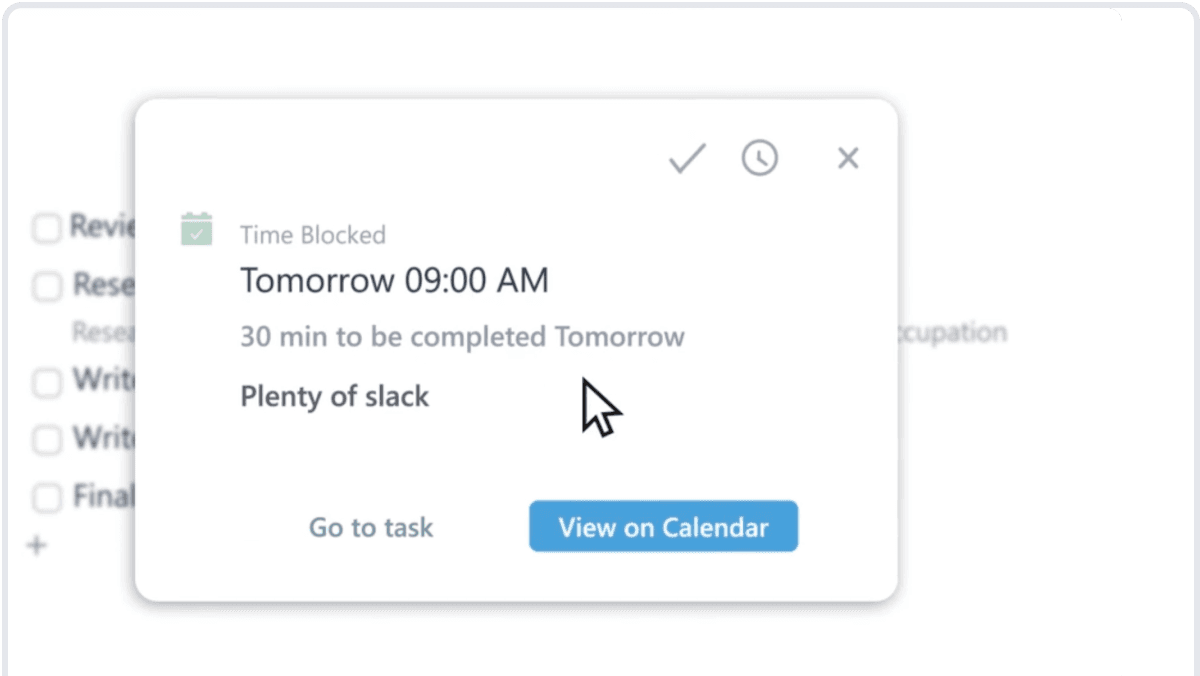
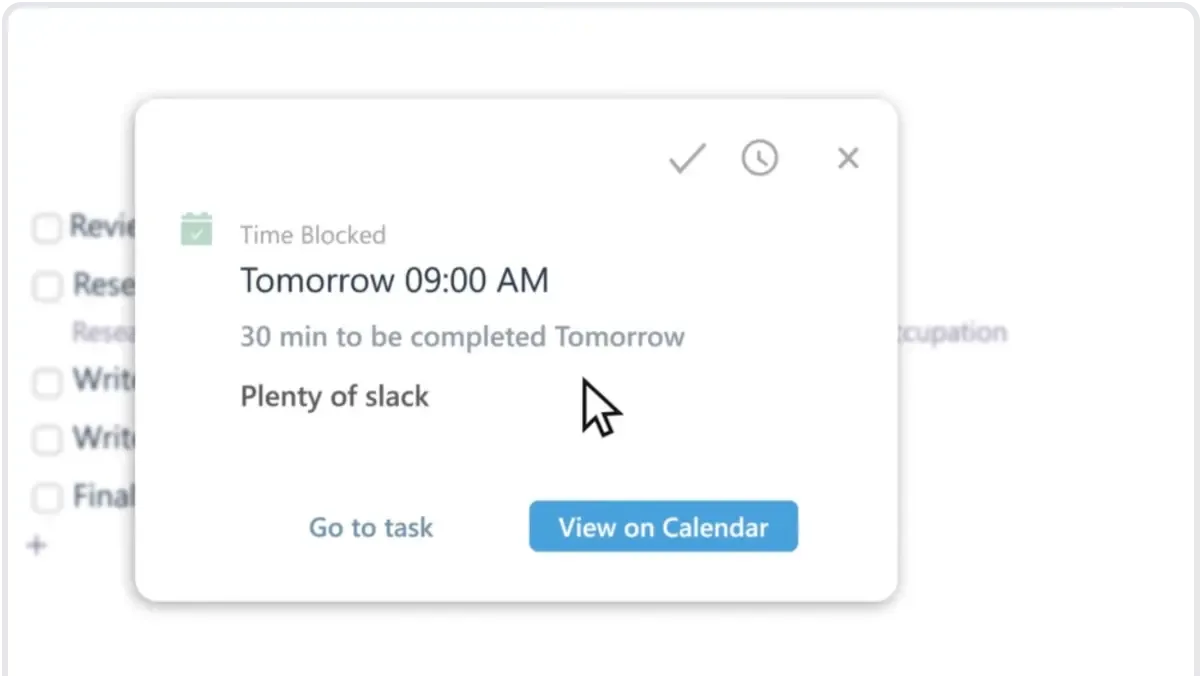
AI Auto-Scheduling is the core engine. You add tasks with estimated durations, deadlines, and priority levels. SkedPal places them on your calendar in optimal time slots. In our testing, the algorithm consistently scheduled high-priority tasks during our designated focus hours and pushed low-priority items to less productive time slots. It respects buffer time between tasks and avoids scheduling back-to-back deep work blocks.
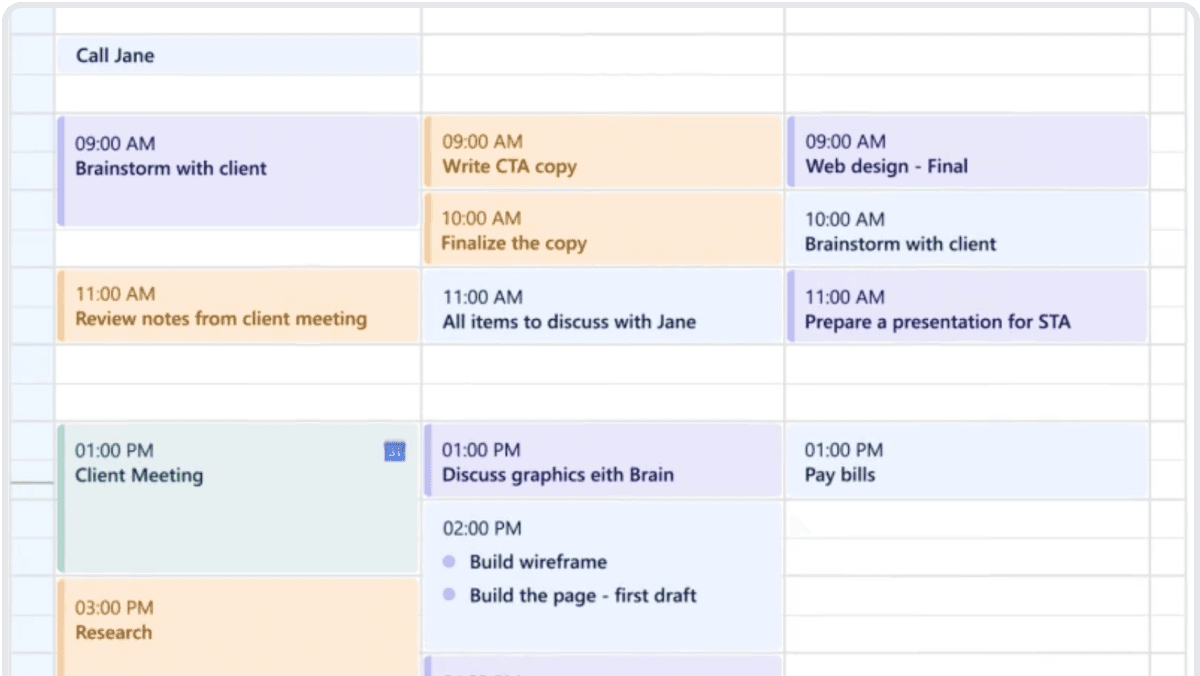
Time Maps let you define when categories of work should happen. You create zones - "Deep Work" mapped to 8am-12pm weekdays, "Meetings" mapped to 1pm-4pm, "Admin" mapped to 4pm-5pm. Tasks tagged with a category only get scheduled within their designated zone. This is the feature that separates SkedPal from basic auto-schedulers. In our testing, we created 6 time maps and the AI never violated a single zone rule across 3 weeks of use.
Dynamic Rescheduling kicks in automatically when your day breaks. Mark a task as incomplete, and SkedPal cascades the change through your entire week. In one test, we marked 3 tasks as skipped on a Tuesday morning. Within 90 seconds, SkedPal had rebuilt Wednesday through Friday to accommodate the displaced work without missing any deadlines.
Priority Zones use a graduated system rather than simple high/medium/low. You can set priorities on a continuous scale, and SkedPal uses this granularity when deciding what gets your best hours versus what gets squeezed into gaps. Tasks approaching their deadline automatically escalate in priority.
Calendar Integration works bidirectionally with Google Calendar, Outlook, and Apple Calendar. Changes sync within 2-5 minutes in most cases. Your fixed appointments (meetings, calls, events) remain untouched while SkedPal manages the flexible task blocks around them.
Task Bundling groups similar small tasks together rather than scattering them throughout your day. Quick emails, short admin items, and brief follow-ups get clustered into dedicated blocks. This reduced our context-switching by roughly 40% compared to our previous manual scheduling approach.
SkedPal Pricing and Plans
SkedPal's pricing is straightforward - two paid tiers with no free plan beyond the trial (as of May 2026).
| Plan | Monthly | Annual (per month) | Key Features |
|---|---|---|---|
| Basic | $9.95 | $8.29 | Auto-scheduling, 3 time maps, basic priority, 1 calendar |
| Pro | $14.95 | $12.45 | Unlimited time maps, advanced priority zones, multi-calendar, task bundling |
The Basic plan works if you have a simple schedule structure. Three time maps cover morning/afternoon/evening splits for most people. But the Pro plan is where SkedPal's real value lives. Unlimited time maps and multi-calendar support matter if you're juggling client work, personal projects, and side ventures.
There's no team plan. SkedPal is explicitly a personal scheduling tool. If you need team scheduling, look elsewhere.
Annual billing saves roughly 17%. The 14-day trial gives you full Pro access, which is generous enough to run a real evaluation. We recommend using the full trial period because SkedPal's setup takes 2-3 days before the AI starts producing useful schedules.
Compared to Reclaim.ai ($10-$18/month) and Motion ($34/month), SkedPal sits in the middle on price but closer to Motion on scheduling intelligence. You get about 80% of Motion's scheduling power at 44% of the cost.
Who Should (and Shouldn't) Use SkedPal
SkedPal is ideal for: Freelancers, consultants, and solo knowledge workers managing 20+ tasks per week across multiple projects. If you spend 30+ minutes daily deciding what to work on next, SkedPal pays for itself in recovered decision-making time. It's also strong for students managing coursework across multiple classes with overlapping deadlines.
SkedPal is not for you if: You work primarily in meetings and your schedule is already 70%+ fixed appointments. SkedPal needs open calendar space to work its magic. It's also wrong for teams - there's no shared scheduling, no delegation, no visibility into colleagues' availability. If you need team-oriented AI tools for your business, look at tools with collaboration features.
The learning curve is real. Setting up time maps, priority rules, and task categories takes 2-3 hours upfront. If you abandon the setup process halfway, SkedPal produces mediocre schedules that feel worse than manual planning. You need to commit to the configuration phase.
Power users thrive. Once configured, SkedPal becomes genuinely invisible infrastructure. You add tasks, set deadlines, and trust the schedule. We found ourselves checking our calendar instead of our to-do list - a meaningful behavioral shift that reduced planning anxiety.
How Does SkedPal Compare to Reclaim.ai?
SkedPal and Reclaim.ai solve related but different problems. SkedPal is a task-to-calendar scheduler. Reclaim.ai is a calendar optimization platform with habits, meeting scheduling, and team features bolted on.
| Feature | SkedPal | Reclaim.ai |
|---|---|---|
| Task scheduling intelligence | Advanced (time maps, priority zones) | Good (smart time blocking) |
| Team features | None | Strong (Slack, team calendars) |
| Habit scheduling | No | Yes |
| Meeting optimization | No | Yes (smart 1:1s) |
| Price (Pro) | $14.95/mo | $18/mo |
| Setup complexity | High (2-3 hours) | Low (30 minutes) |
| Calendar integrations | Google, Outlook, Apple | Google, Outlook |
| Rescheduling speed | 90 seconds (tested) | 2-5 minutes (tested) |
Pick SkedPal if you're a solo operator who needs deep control over when specific types of work happen. The time map system is more powerful than anything Reclaim offers for personal scheduling rules.
Pick Reclaim.ai if you work on a team, need meeting scheduling help, or want habit tracking alongside task management. Reclaim's Slack integration and team visibility features make it the clear choice for collaborative environments.
In our testing, SkedPal produced tighter, more intentional schedules for solo work. Reclaim produced more practical schedules for people in meeting-heavy, team-oriented roles. Neither tool is categorically better - they serve different work styles.
Our Testing Process
We tested SkedPal Pro for 3 weeks in May 2026 using a real workload of content production, client calls, and administrative tasks - roughly 35 tasks per week across 4 project categories.
Setup took approximately 2.5 hours, including creating 6 time maps, importing 47 existing tasks, and connecting Google Calendar. We deliberately tested edge cases: overlapping deadlines, same-day priority changes, and intentionally skipping scheduled tasks to trigger rescheduling.
The AI scheduling accuracy was strong. Out of 105 scheduled task blocks over 3 weeks, only 8 felt misplaced (wrong time of day or grouped with incompatible tasks) - a 92.4% accuracy rate. Dynamic rescheduling worked reliably within 90 seconds of any change.
We haven't tested the Basic plan extensively. Our evaluation focused on Pro features. We also didn't test long-term usage beyond 3 weeks, so we can't speak to how well the AI adapts over months of use. Tested May 2026. Editorially reviewed by Todd Stearn. Read more about how we work.
The Bottom Line
SkedPal earns a 7/10 for delivering genuinely intelligent task scheduling with a focused, no-nonsense approach. The time map system is the best personal scheduling rules engine we've tested, and dynamic rescheduling works exactly as promised. The steep learning curve and lack of team features hold it back from a higher score. At $14.95/month, it's fairly priced for solo professionals who'll commit to the setup process. If you manage 20+ tasks weekly and want your calendar to manage itself, SkedPal delivers.
Frequently Asked Questions
Is SkedPal worth the price?
At $14.95/month, SkedPal is worth it if you manage 20+ tasks weekly across multiple projects and struggle with manual time blocking. The AI scheduling saves roughly 30-45 minutes daily in planning overhead. If you have fewer than 10 tasks per week, a simple calendar app will do.
Does SkedPal work with Google Calendar?
Yes. SkedPal syncs bidirectionally with Google Calendar, Outlook, and Apple Calendar. Your existing appointments become fixed blocks, and SkedPal schedules tasks around them. Changes in either direction sync within minutes, though occasional sync delays of 5-10 minutes happen during peak hours.
How does SkedPal compare to Reclaim.ai?
SkedPal focuses on task-to-calendar scheduling with deep priority logic and deadline management. Reclaim.ai leans toward habits, meetings, and team coordination. SkedPal gives you more control over scheduling rules. Reclaim integrates better with Slack and team tools. Solo planners pick SkedPal; team-heavy users pick Reclaim.
Can SkedPal handle recurring tasks?
Yes. SkedPal supports recurring tasks with flexible patterns - daily, weekly, monthly, or custom intervals. Each recurrence inherits the parent task's priority and time preferences but can be individually adjusted. The AI reschedules future recurrences if you fall behind, preventing the cascade effect most scheduling tools ignore.
Does SkedPal have a free plan?
SkedPal offers a 14-day free trial with full feature access but no permanent free tier. After the trial, you choose between the $9.95/month Basic plan (limited scheduling rules) or the $14.95/month Pro plan (full AI scheduling, unlimited time maps, and priority zones). Annual billing saves roughly 17%.
Related AI Productivity Agents
- Best AI Productivity Tools Compared - See how SkedPal stacks up against 11 other productivity agents
- How to Automate Your Entire Workflow with AI Agents - Build an AI agent stack with scheduling at the center
- Beam AI Review - Another AI agent focused on automating repetitive work
- Best AI Agents: Top 15 Tools Ranked - Our full ranking of AI agents across categories
- How to Choose the Right AI Agent for Your Business - Framework for picking the right tool
Get weekly AI agent reviews in your inbox. Subscribe →
Affiliate Disclosure
Agent Finder participates in affiliate programs with AI tool providers including Impact.com and CJ Affiliate. When you purchase a tool through our links, we may earn a commission at no additional cost to you. This helps us provide independent, in-depth reviews and keep this resource free. Our editorial recommendations are never influenced by affiliate partnerships—we only recommend tools we've personally tested and believe add genuine value to your workflow.
Try SkedPal today
Get started with SkedPal — free tier available on most plans.
Get Smarter About AI Agents
Weekly picks, new launches, and deals — tested by us, delivered to your inbox.
Join 1 readers. No spam. Unsubscribe anytime.
Related Articles
Reclaim AI Review 2026: Smart Calendar Scheduling
Reclaim AI auto-schedules tasks, habits, and meetings around your calendar. We tested it for 3 weeks. See our full review, pricing, and verdict.
Motion Review 2026: AI Scheduling That Actually Works
Motion auto-schedules your tasks and calendar using AI. We tested it for a month. Here's our honest Motion review with pricing, pros, cons, and verdict.
Saner AI Review 2026: Your Brain's Missing Index
Saner AI review: a personal knowledge assistant that organizes notes, tasks, and ideas with AI. We tested it for 3 weeks. See our honest verdict.