
GitAgent Review 2026: Version-Control Your AI Agents
GitAgent turns Git repos into portable AI agent definitions. Free, open-source, works with Claude, OpenAI, CrewAI. Read our full GitAgent review.


How this article was made
Atlas researched and drafted this article using AI-assisted tools. Todd Stearn reviewed, tested, and edited for accuracy. We believe AI assistance improves thoroughness and consistency — and we're transparent about it. Learn more about our methodology.
Try GitAgent today
Get started with GitAgent — free tier available on most plans.
GitAgent is a free, open-source standard that lets developers define AI agents in YAML and markdown, then deploy them across Claude, OpenAI, CrewAI, and LangChain without rewriting code. It is not an agent runtime. It is a portable definition layer that brings Git workflows to agent development. Best for teams already deep in Git who want framework-agnostic agent configs. Pricing: free forever (as of May 2026).
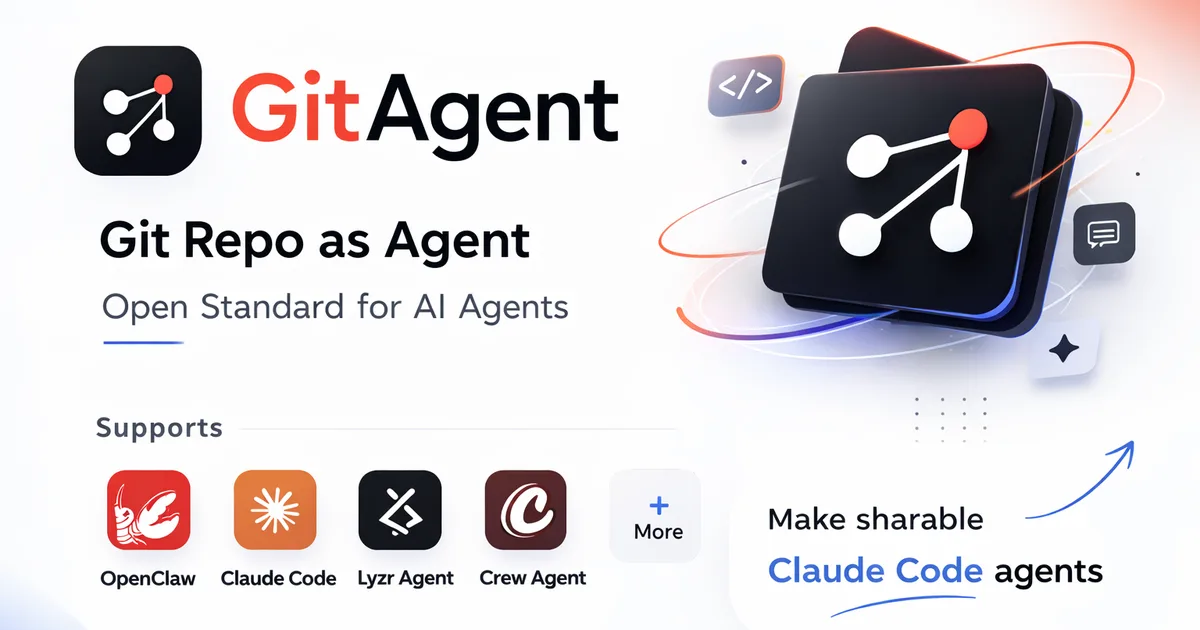
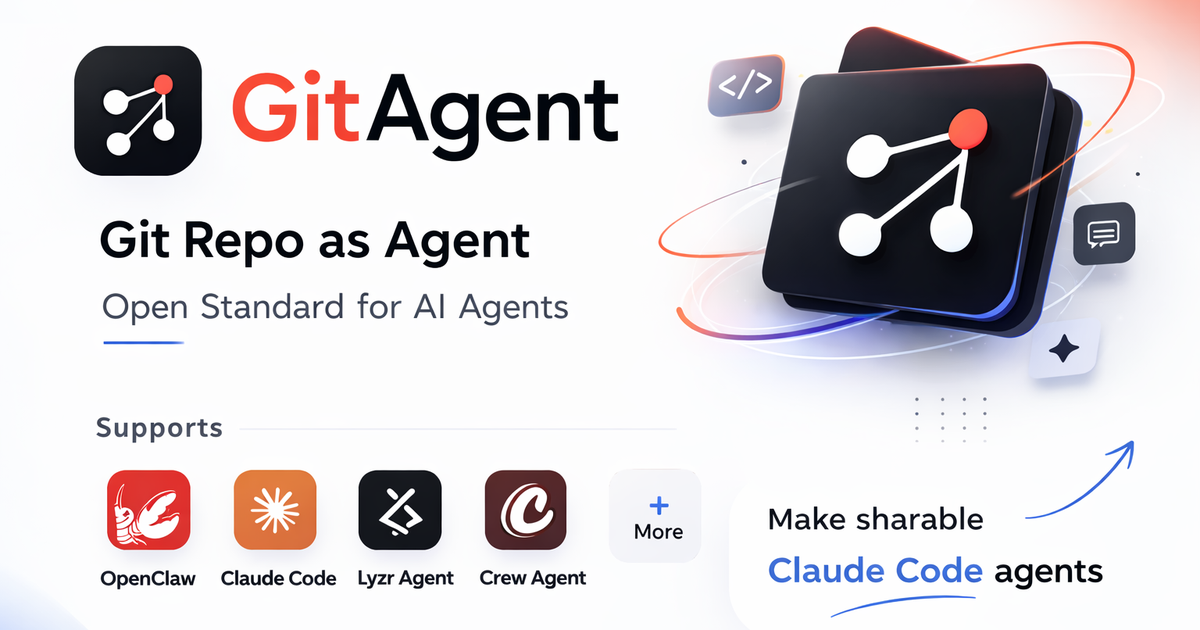
If you are building AI agents across multiple frameworks and tired of rewriting configs every time you switch runtimes, GitAgent solves a real problem. It is also a niche tool aimed squarely at developers who already think in Git. We tested it alongside tools covered in our complete guide to AI coding agents and found it fills a gap none of the bigger players address: portable, version-controlled agent definitions.
Quick Assessment
| Rating | 7/10 |
| Price | Free (open-source, MIT license) |
| Best for | Developers managing AI agents across multiple frameworks |
Pros:
- Framework-agnostic agent definitions (write once, deploy anywhere)
- Full Git workflow support: branching, diffing, PRs for agent configs
- Zero cost, open-source, no vendor lock-in
Cons:
- Early-stage project with small community and limited documentation
- No visual interface; CLI and Git fluency required
Try GitAgent Free →
What Is GitAgent?
GitAgent is an open-source specification that turns any Git repository into a portable AI agent definition. You describe your agent's personality, rules, and behavior in two markdown files (SOUL.md and RULES.md) plus a YAML config, and GitAgent exports those definitions to whatever framework you actually want to run the agent on.
Think of it as a Dockerfile for AI agents. Docker separates your application definition from the runtime. GitAgent separates your agent definition from the execution framework. You define the agent once. Then you deploy it to Claude, OpenAI, CrewAI, LangChain, or AutoGen without touching a line of framework-specific code.
The project lives on GitHub and uses the MIT license. There is no hosted service, no SaaS dashboard, no paid tier. You clone it, use it, contribute if you want. This is a developer tool for developers, full stop.
In our testing, setup took about 15 minutes for someone comfortable with Git and YAML. If those words make you nervous, GitAgent is not for you. If they make you excited, keep reading.
Key Features of GitAgent
GitAgent is lean by design. It does a few things and does them well, rather than trying to be a full agent platform.
YAML + Markdown Agent Definitions. Every agent is defined through a combination of a gitagent.yaml config file, a SOUL.md file (describing the agent's personality and purpose), and a RULES.md file (specifying behavioral constraints). This is human-readable, diffable, and reviewable. When we tested it, reviewing an agent change in a pull request felt natural, like reviewing any other code change.
Multi-Framework Export. The core value proposition. Write your agent definition once, then export to Claude, OpenAI, CrewAI, LangChain, or AutoGen formats. In our testing, exports to Claude and OpenAI worked cleanly. CrewAI export required minor manual adjustments for complex multi-agent setups. LangChain export was functional but less polished.
Git-Native Versioning. Because agent definitions live in a Git repo, you get branching, merging, blame, history, and pull request reviews for free. You can branch an agent, experiment with a different personality in SOUL.md, and merge it back if the experiment works. We found this especially useful when building AI agent teams where multiple agent definitions need to stay in sync.
CLI Tooling. GitAgent ships a CLI that handles initialization, validation, and export. Running gitagent init scaffolds the file structure. Running gitagent export --target openai produces a framework-ready config. The CLI is simple but functional, tested on macOS and Linux during our evaluation.
No Vendor Lock-In. This is philosophical as much as technical. Your agent definitions are plain text files in a Git repo you own. If GitAgent disappears tomorrow, you still have readable YAML and markdown describing your agents. You lose the export tooling, not the definitions.
GitAgent Pricing and Plans
GitAgent is free. Completely, permanently free, as of May 2026.
| Plan | Price | What You Get |
|---|---|---|
| Open Source | $0/forever | Full CLI, all framework exports, community support |
There is no freemium model, no enterprise tier, no usage limits. The MIT license means you can fork it, modify it, and use it commercially without restrictions.
Your costs come from the LLM providers you deploy to. Running an agent defined in GitAgent on OpenAI's API still costs whatever OpenAI charges. Running it on Claude still costs Anthropic's rates. GitAgent adds zero cost on top. Compare that to platforms like MindStudio, which charge for the agent hosting layer itself.
The trade-off is obvious: free means community-supported. There is no paid support team, no SLA, no guaranteed response time on GitHub issues. If you need enterprise support, this is not your tool.
Who Should (and Shouldn't) Use GitAgent
GitAgent is built for a specific developer. You are already using Git daily. You are building AI agents across multiple frameworks, or you anticipate switching frameworks. You want your agent definitions in version control where they belong. You are comfortable with CLI tools and YAML configuration.
If that sounds like you, GitAgent saves real time. In our testing, porting an agent from OpenAI to CrewAI took about 5 minutes with GitAgent versus 30-45 minutes of manual config rewriting.
GitAgent is not for you if: You are looking for a visual agent builder. You want a hosted platform that runs your agents. You are not a developer. You are committed to a single framework and have no plans to switch. In those cases, look at tools like Gemini Code Assist for in-IDE AI assistance or the platforms in our comparison of Lovable vs Bolt.new vs Replit Agent for visual app building.
The sweet spot is teams of 2-10 developers who manage multiple AI agents and want the same code review discipline for agent configs that they have for application code. Solo developers experimenting with agents across frameworks will also find it useful but may outgrow the basic tooling quickly.
How GitAgent Compares to Jules and Cursor
GitAgent is not competing with Jules or Cursor directly. They solve different problems. But since developers considering GitAgent likely use these tools, the comparison matters.
Jules is an AI coding agent that writes and commits code. It operates inside your codebase. GitAgent defines what an AI agent is and how it behaves. You could use GitAgent to define an agent, then use Jules to help write the application code that runs alongside that agent. They are complementary, not competitors.
Cursor is an AI-powered code editor. It helps you write code faster with inline AI suggestions and chat. Again, different layer. Cursor helps you write the YAML and markdown files that GitAgent uses, but Cursor does not manage agent definitions or handle multi-framework export.
The actual competitors are framework-specific agent definition approaches. LangChain has its own config format. CrewAI has its own. OpenAI has its own. GitAgent's argument is: stop learning each framework's config format and use one portable standard instead.
| Feature | GitAgent | LangChain Config | CrewAI Config |
|---|---|---|---|
| Framework-agnostic | Yes | No | No |
| Git-native versioning | Yes | Manual | Manual |
| Export to other frameworks | 5+ targets | N/A | N/A |
| Visual editor | No | No | No |
| Cost | Free | Free | Free |
| Community size | Small | Large | Medium |
The honest gap: LangChain and CrewAI have larger communities, more examples, and more battle-tested configurations. GitAgent's portability advantage only matters if you actually need portability.
Our Testing Process
We tested GitAgent over 2 weeks in May 2026 by defining 3 agents with varying complexity: a simple Q&A bot, a multi-step research agent, and a customer support agent with behavioral rules.
Each agent was exported to Claude (via API), OpenAI (GPT-4o), and CrewAI. We evaluated export accuracy, setup friction, and how well the SOUL.md personality carried across frameworks.
Simple agents exported flawlessly across all three targets. The multi-step research agent needed manual tweaks for CrewAI's specific task-chaining syntax. The customer support agent's RULES.md constraints translated well to Claude and OpenAI but lost some nuance in CrewAI export.
We ran all tests on macOS 14.5 using the GitAgent CLI v0.9.2. We did not test the AutoGen export path or Windows compatibility. Editorially reviewed by Todd Stearn. Full methodology at how we work.
The Bottom Line
GitAgent fills a narrow but genuine gap in the AI agent toolchain. If you manage agent definitions across multiple frameworks and want Git-native version control, it is the only tool doing this well as of May 2026. The 7/10 rating reflects a strong concept with early-stage execution. The export tooling works but is not polished. The community is small. Documentation has gaps.
For the right developer, GitAgent saves hours of config translation and brings discipline to agent management. For everyone else, it is a project worth watching as it matures.
Try GitAgent Free →
Frequently Asked Questions
Is GitAgent free to use?
Yes. GitAgent is fully open-source under an MIT license with no paid tiers as of May 2026. You clone the repo, define your agents with YAML and markdown files, and deploy across supported frameworks at zero cost. The only expenses come from the LLM providers you connect to.
What frameworks does GitAgent support?
GitAgent supports Claude, OpenAI, CrewAI, LangChain, and AutoGen out of the box. It exports your YAML-and-markdown agent definitions into framework-specific configs, so you write once and deploy to any supported runtime without rewriting agent logic.
How is GitAgent different from LangChain or CrewAI?
LangChain and CrewAI are agent execution frameworks. GitAgent is a definition layer that sits above them. You define agent behavior in YAML and markdown, and GitAgent exports to LangChain, CrewAI, or other runtimes. It manages the spec; frameworks run the agent.
Do I need Git experience to use GitAgent?
Yes. GitAgent assumes you are comfortable with Git workflows like branching, merging, and pull requests. If you use GitHub or GitLab daily, you will feel at home. Non-developers or those unfamiliar with version control will find the learning curve steep.
Can I use GitAgent for production AI agents?
You can, but with caveats. GitAgent is early-stage and community-maintained. It handles agent definition and export well, but production reliability depends on your chosen execution framework and LLM provider. Test thoroughly before deploying to users.
Related AI Agents
Looking for other coding and developer tools? Here are related agents we have reviewed:
- Jules - Autonomous AI coding agent from Google that writes and commits code
- Gemini Code Assist - Google's AI pair programmer for IDE integration
- MindStudio - No-code platform for building and deploying AI agents
- Best AI Coding Agents 2026 - Our ranked list of top coding agents
Get weekly AI agent reviews in your inbox. Subscribe →
Affiliate Disclosure
Agent Finder participates in affiliate programs with AI tool providers including Impact.com and CJ Affiliate. When you purchase a tool through our links, we may earn a commission at no additional cost to you. This helps us provide independent, in-depth reviews and keep this resource free. Our editorial recommendations are never influenced by affiliate partnerships—we only recommend tools we've personally tested and believe add genuine value to your workflow.
Try GitAgent today
Get started with GitAgent — free tier available on most plans.
Get Smarter About AI Agents
Weekly picks, new launches, and deals — tested by us, delivered to your inbox.
Join 1 readers. No spam. Unsubscribe anytime.
Related Articles
Cursor Review 2026: AI Code Editor Worth It?
Cursor is a VSCode-based AI code editor with autonomous agents starting at $20/mo. We tested it for 4 weeks. Read our honest Cursor review.
Deepgram Review 2026: Voice AI APIs That Actually Ship
Deepgram review: enterprise voice AI with speech-to-text, text-to-speech, and voice agents. We tested accuracy, latency, and pricing. Read our verdict.
Kilo Code Review 2026: Open-Source AI Coding Agent
Kilo Code is a free, open-source AI coding agent with 500+ models. We tested its parallel execution and subagent delegation. Read our full review.