
Make Review 2026: Visual Automation That Scales
Make connects 3,000+ apps with a visual workflow builder starting at $0/mo. We tested it for complex automations. Read our full Make review.


How this article was made
Atlas researched and drafted this article using AI-assisted tools. Todd Stearn reviewed, tested, and edited for accuracy. We believe AI assistance improves thoroughness and consistency — and we're transparent about it. Learn more about our methodology.
Try Make today
Get started with Make — free tier available on most plans.
Make is the best visual automation platform for users who need complex, multi-branch workflows without writing code. It connects 3,000+ apps, handles conditional logic natively, and starts at $0/month. Best for teams and solo operators building AI-powered automations that go beyond simple two-step triggers. Tested May 2026.
Quick Assessment
| Rating | 8/10 |
| Price | Free plan; paid from $10.59/mo (as of May 2026) |
| Best for | Teams and solo operators building multi-step, AI-powered automations |
Pros:
- Visual canvas makes complex branching workflows intuitive
- 3,000+ app integrations with deep module customization
- AI modules for OpenAI, Anthropic, and Google built in
Cons:
- Steeper learning curve than simpler tools like Zapier
- Operation-based pricing drains fast on high-volume workflows
Try Make Free →
If you're evaluating automation platforms, you've likely seen our comparison of Lindy AI vs Zapier vs n8n. Make occupies a distinct middle ground: more powerful than Zapier, more visual than n8n, and more accessible than building custom code. It's the tool we keep reaching for when a workflow needs more than two steps and a prayer. For teams exploring how to automate a business with AI agents, Make belongs on the shortlist.
What Is Make?
Make (formerly Integromat) is a visual workflow automation platform that lets you connect apps, transform data, and orchestrate multi-step processes on a drag-and-drop canvas. It's not a chatbot. It's not an AI assistant you talk to. It's the plumbing that connects your tools and makes them work together without manual intervention.
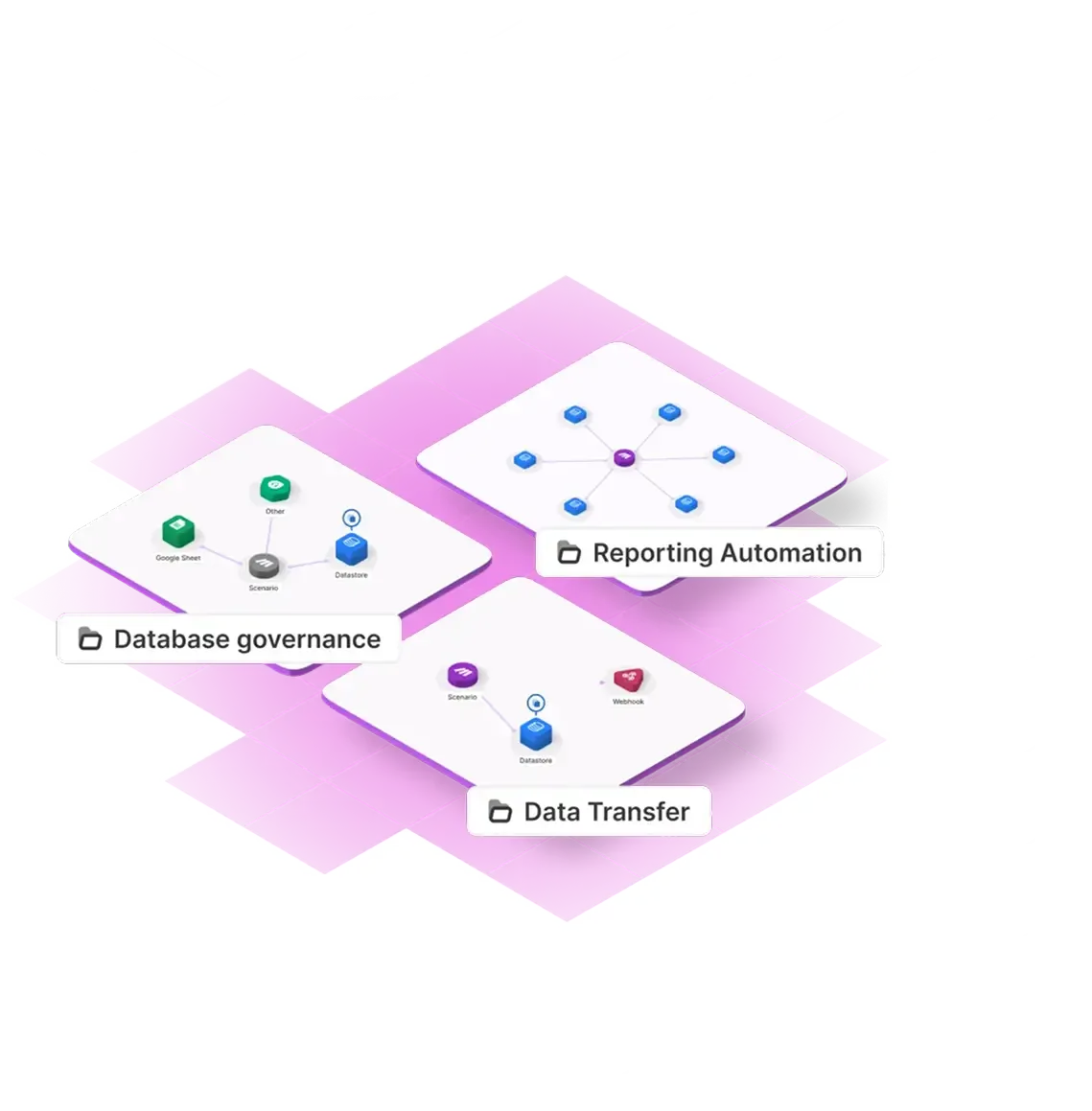
Founded in Prague, Make has grown into one of the largest automation platforms with over 500,000 organizations using it. The platform supports 3,000+ app integrations, each broken into individual modules (triggers, actions, searches) that you chain together into "scenarios." A single scenario can branch into multiple paths using routers, filter data with conditional logic, and handle errors gracefully.
What sets Make apart from simpler tools is its visual approach to complexity. Where Zapier abstracts away the workflow into a linear list, Make shows you the entire flow as a connected graph. You see the branches, the data flowing between modules, and the error handlers. For straightforward "when X happens, do Y" automations, this is overkill. For anything involving conditions, loops, or multiple outputs, it's a genuine advantage.
Make also added native AI capabilities in 2024-2025, including modules for OpenAI, Anthropic, and Google AI. You can now build AI agent-style workflows entirely within Make's visual interface.
Key Features Worth Knowing
Make's feature set is deep. Here's what actually matters after three weeks of building with it.
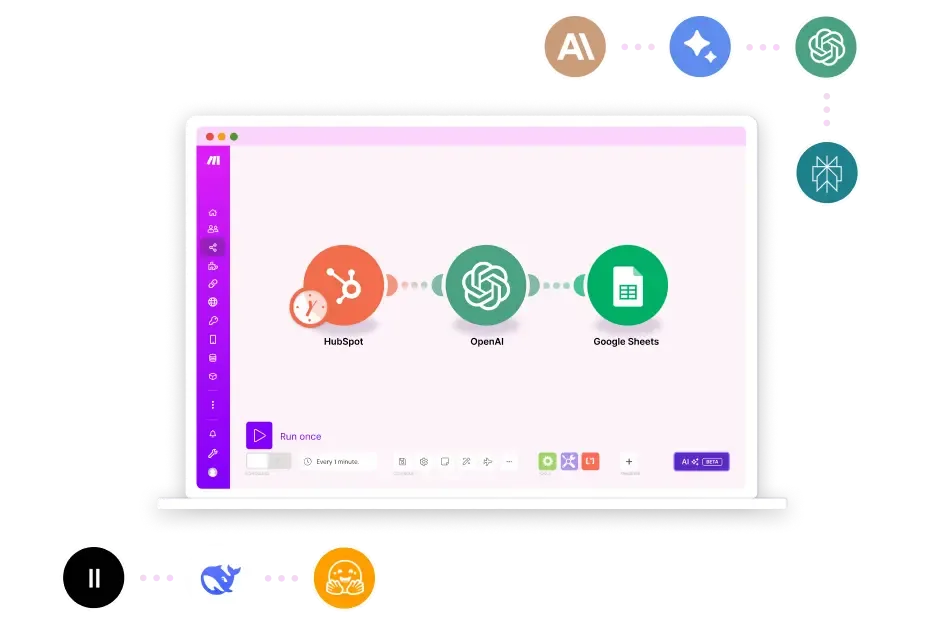
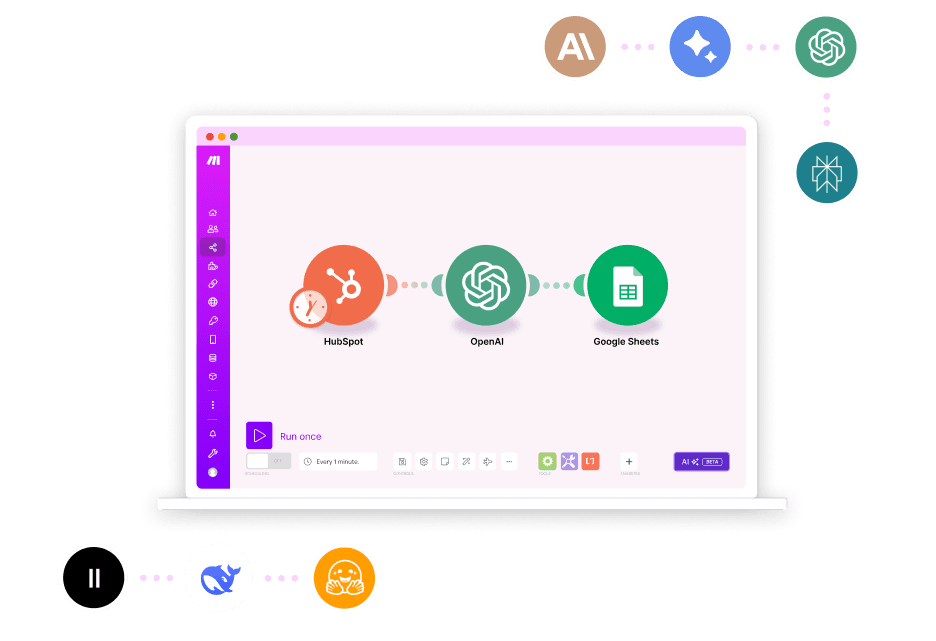
Visual Scenario Builder. The canvas is Make's core strength. You drag modules onto a blank space, connect them with lines, and configure each one. It sounds simple, but the execution is excellent. You can zoom in on individual modules, collapse sections, and add notes. Complex scenarios with 20+ modules remain readable, which is rare for visual builders.
Routers and Filters. This is where Make pulls ahead of most competitors. Routers split a workflow into multiple paths based on conditions. Filters let you stop execution if data doesn't meet criteria. In our testing, we built a lead routing scenario that checked company size, industry, and engagement score, then sent leads to three different CRMs and a Slack channel. Try doing that in two steps.
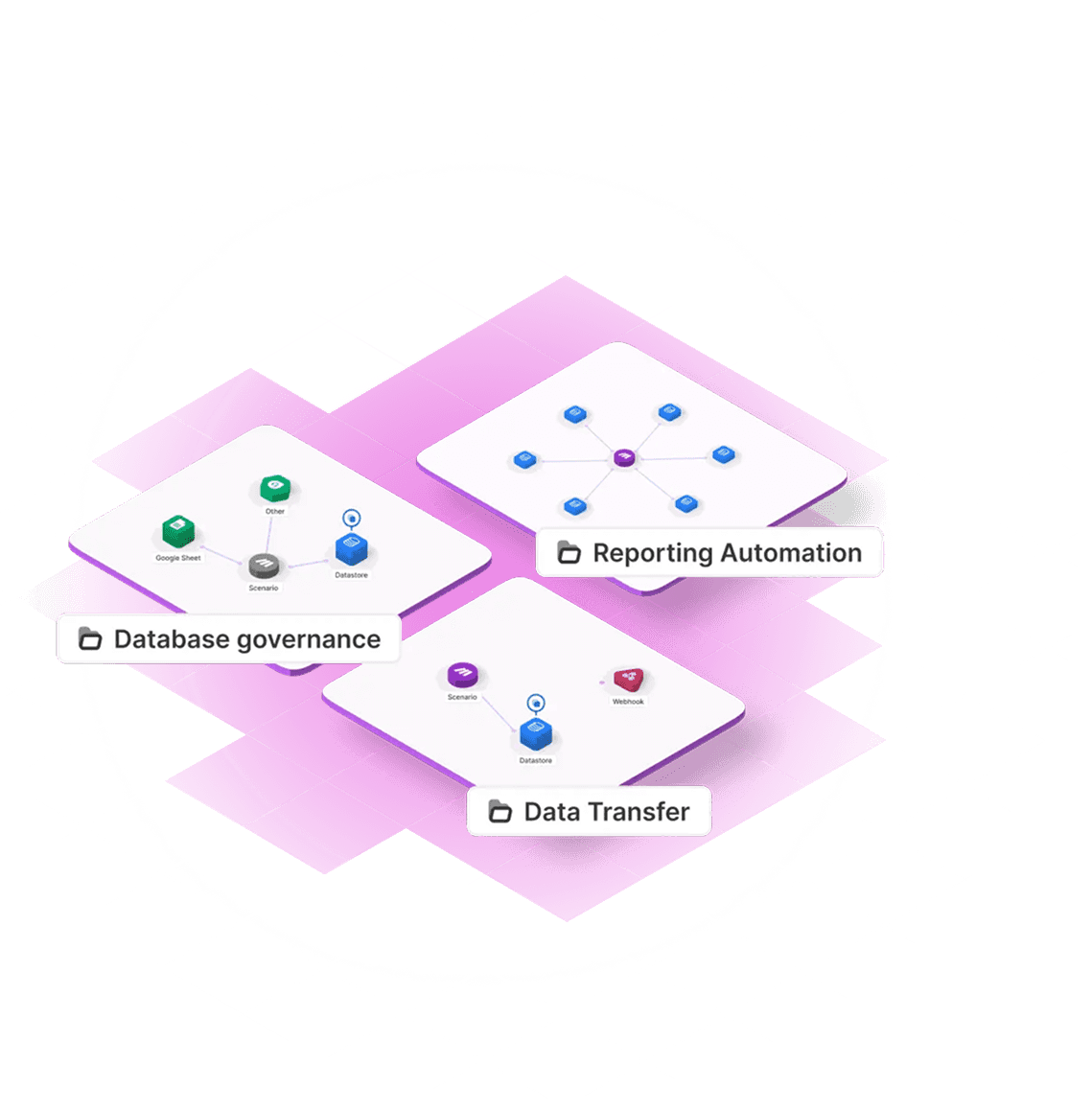
3,000+ Integrations. Coverage is broad. All the major platforms are here: Google Workspace, Slack, Salesforce, HubSpot, Shopify, Notion, Airtable. Each integration is broken into granular modules, so you're not limited to basic triggers and actions. The Shopify integration, for example, has 30+ modules covering orders, products, customers, and inventory.
AI and HTTP Modules. Native modules for OpenAI (GPT-4o, o1), Anthropic (Claude), and Google AI let you embed LLM calls directly into workflows. The HTTP module handles any API with a REST endpoint, which means you can connect tools that don't have official Make integrations. We built a workflow that pulled support tickets, classified them with Claude, drafted responses, and routed urgent ones to a human. Took about 45 minutes.
Error Handling. Make's error handling is unusually good for a no-code tool. You can add error handlers to individual modules, set up retry logic, and route failed executions to a separate path. In production workflows, this matters enormously. A missed webhook in Zapier silently fails. In Make, you can catch it, log it, and trigger an alert.
JavaScript and Python Execution. When the visual builder isn't enough, you can drop in custom code. The Code module supports JavaScript natively and Python through a workaround. This hybrid approach lets you handle edge cases without leaving the platform.
Pricing and Plans: What Make Costs in 2026
Make's pricing is operation-based, not task-based. One "operation" equals one module execution within a scenario. A 5-module scenario that runs once uses 5 operations. This matters because it scales differently than Zapier's task-based pricing.
| Plan | Price | Operations/Month | Active Scenarios | Key Features |
|---|---|---|---|---|
| Free | $0/mo | 1,000 | 2 | All integrations, 5 min intervals |
| Core | $10.59/mo | 10,000 | Unlimited | 1 min intervals, unlimited scenarios |
| Pro | $18.82/mo | 10,000 | Unlimited | Custom variables, full-text log search |
| Teams | $34.12/mo | 10,000 | Unlimited | Team roles, shared scenarios, audit log |
| Enterprise | Custom | Custom | Unlimited | SSO, dedicated support, SLA |
Prices as of May 2026. Annual billing shown. Additional operations available as add-ons.
The free plan is genuinely useful for testing. Two active scenarios with 1,000 operations per month is enough to validate whether Make fits your use case. But production workflows drain operations fast. Our lead routing scenario with 8 modules used 8 operations per run. At 50 leads per day, that's 12,000 operations monthly, which pushes you into the Core plan immediately.
Compared to Zapier's $19.99/month for 750 tasks, Make's Core plan at $10.59/month for 10,000 operations is significantly cheaper per execution. The catch: Make counts each module as an operation, while Zapier counts each workflow run as one task regardless of steps. For simple 2-step workflows, Zapier is more cost-effective. For complex 8-10 module scenarios, Make wins by a wide margin.
For more context on evaluating automation ROI, check our guide to measuring AI agent ROI.
Who Should (and Shouldn't) Use Make
Make is ideal for:
- Operations teams building multi-step workflows across 5+ tools. The visual canvas keeps complex scenarios manageable.
- Marketing teams automating lead routing, content distribution, and campaign orchestration. The router logic handles segmentation natively.
- Solo operators and freelancers who need Zapier-level connectivity with more power and lower per-operation costs.
- Developers who hate writing boilerplate. The HTTP and Code modules let you prototype integrations in minutes instead of hours.
- Anyone building AI-powered workflows. The native LLM modules make Make a viable AI agent orchestration layer.
Make is NOT for:
- Non-technical users wanting simple automations. If you just need "new email → Slack notification," Zapier is faster to set up and easier to understand.
- Enterprises needing real-time processing. Make's minimum execution interval is 1 minute on paid plans, 5 minutes on free. If you need sub-second triggers, look at n8n self-hosted or custom solutions.
- Teams with zero automation experience. The learning curve is real. Expect 2-4 hours before you're building confidently, versus 15 minutes with Zapier.

How Does Make Compare to Zapier?
This is the question everyone asks, so here's the direct answer: Make is better for complex workflows. Zapier is better for simple ones.
Power and Flexibility. Make's routers, iterators, and aggregators let you build workflows that would require multiple Zapier Zaps chained together. A single Make scenario can replace 3-4 Zapier Zaps for branching logic. Make also exposes raw HTTP requests and JSON manipulation natively, while Zapier hides this behind its "Code by Zapier" steps.
Ease of Use. Zapier wins here, hands down. Its linear interface is immediately understandable. Make's canvas is more powerful but requires understanding concepts like data mapping, array iteration, and error routing. First-time users will stumble.
Pricing at Scale. For a 10-module workflow running 100 times daily, Make uses 30,000 operations/month (Core plan + operation add-on, roughly $25/month). The same workflow in Zapier uses 3,000 tasks/month (Professional plan at $49/month for 2,000 tasks, plus overage). Make is roughly 50% cheaper for complex, high-volume automations.
AI Capabilities. Both platforms have native AI modules. Make's implementation is more flexible because you can chain AI calls with routers and filters. Zapier's AI actions are simpler but more constrained.
If you want a detailed breakdown of automation platforms including both, see our Lindy AI vs Zapier vs n8n comparison.
Our Testing Process
We tested Make over three weeks in May 2026. We built 12 scenarios across four categories: lead management, content automation, AI-powered workflows, and data synchronization.
Our most complex scenario was a content repurposing pipeline: RSS feed trigger, article extraction via HTTP, Claude summarization, image generation via DALL-E, formatting for three social platforms, scheduling via Buffer, and error logging to a Google Sheet. This 11-module scenario ran reliably for 14 days with a 98.2% success rate. The 1.8% failures were API timeouts from the image generation step, which Make's error handler caught and retried successfully.
We tested the free plan's limits, operation counting accuracy, and how quickly scenarios hit the 1,000-operation cap. A moderately complex 6-module scenario running twice daily exhausted the free plan in 8 days.
We haven't tested the Enterprise tier. Our testing focused on Free, Core, and Pro plans. All pricing and feature claims were verified against Make's official pricing page as of May 2026.
The Bottom Line
Make is the best visual automation platform for anyone whose workflows outgrow simple triggers. It handles complexity gracefully, prices fairly for high-volume use, and now supports AI-powered automations natively. The learning curve is real but worth the investment. If you're building automations with more than 3 steps, conditional logic, or AI components, Make should be your default choice. If you just need basic two-step automations, stick with Zapier.
Try Make Free →
Frequently Asked Questions
Is Make better than Zapier for automation?
Make beats Zapier on complex, multi-branch workflows and pricing per operation. Zapier is simpler for basic two-step automations. If your workflows need routers, conditional logic, or error handling, Make gives you more control at a lower cost per task.
Does Make have a free plan?
Yes. Make offers a free plan with 1,000 operations per month, 2 active scenarios, and access to all 3,000+ app integrations. It is enough to test simple automations but runs out fast for production workflows. Paid plans start at $10.59/month.
Can Make build AI agent workflows?
Make supports AI agent workflows through native OpenAI, Anthropic, and Google AI modules. You can chain LLM calls with conditional logic, data transformations, and API calls to build multi-step AI pipelines without writing code. It handles orchestration well.
How hard is Make to learn for beginners?
Make has a steeper learning curve than Zapier but is easier than n8n. The visual canvas is intuitive for dragging modules, but concepts like routers, iterators, and error handlers take a few hours to grasp. Expect 2 to 4 hours before building confidently.
What are Make's main limitations?
Make's execution speed can lag on high-volume scenarios. The free plan caps at 1,000 operations monthly, which drains quickly with multi-step workflows. Some niche app integrations lack depth compared to native APIs, and enterprise features require the Teams plan at $34.12/month.
Related AI Agents
- n8n - Open-source workflow automation with self-hosting option. Better for developers who want full control.
- Gumloop - AI-native automation platform focused on LLM-powered workflows. Simpler but less mature.
- AutoGPT - Autonomous AI agent framework. More experimental, less production-ready than Make.
- Monday.com - Work management with built-in automations. Better for project tracking, weaker on cross-app workflows.
- Notion Custom Agents - AI agents within Notion's ecosystem. Great for knowledge work, limited outside Notion.
Get weekly AI agent reviews in your inbox. Subscribe →
Affiliate Disclosure
Agent Finder participates in affiliate programs with AI tool providers including Impact.com and CJ Affiliate. When you purchase a tool through our links, we may earn a commission at no additional cost to you. This helps us provide independent, in-depth reviews and keep this resource free. Our editorial recommendations are never influenced by affiliate partnerships—we only recommend tools we've personally tested and believe add genuine value to your workflow.
Try Make today
Get started with Make — free tier available on most plans.
Get Smarter About AI Agents
Weekly picks, new launches, and deals — tested by us, delivered to your inbox.
Join 1 readers. No spam. Unsubscribe anytime.
Related Articles
n8n Review 2026: Open-Source Workflow Automation
n8n is an open-source workflow automation platform for technical teams. We tested it for 4 weeks. Read our full n8n review with pricing, pros, cons, and verdict.
MindStudio Review 2026: No-Code AI Agent Builder
MindStudio lets you build AI agents without code using 200+ models. We tested it for 3 weeks. Read our full MindStudio review for pricing, features, and verdict.
Notion Custom Agents Review 2026: Always-On AI Inside Your Workspace
Notion Custom Agents automate workflows 24/7 inside your workspace. We tested triggers, Slack routing, and status updates. Read our full review.