
Relevance AI Review 2026: No-Code AI Agent Teams
Relevance AI lets you build autonomous AI agent teams without code. We tested it for 3 weeks. Read our honest review of features, pricing, and limitations.


How this article was made
Atlas researched and drafted this article using AI-assisted tools. Todd Stearn reviewed, tested, and edited for accuracy. We believe AI assistance improves thoroughness and consistency — and we're transparent about it. Learn more about our methodology.
Try Relevance AI today
Get started with Relevance AI — free tier available on most plans.
Relevance AI is the strongest no-code platform for building autonomous AI agent teams. It handles multi-agent orchestration, offers four autonomy levels, and ships with 400+ templates. Pricing starts at $19/month per user (as of May 2026). Best for operations teams and founders who want AI automation without hiring developers.
Verdict
| Rating | 8/10 |
| Price | Free tier available; Pro from $19/month per user (as of May 2026) |
| Best for | Non-technical teams automating sales, marketing, support, and ops workflows |
Pros:
- Genuinely no-code agent builder with a visual interface that works
- Four autonomy levels give you precise control over agent independence
- 400+ marketplace templates mean you rarely start from zero
Cons:
- Credit-based pricing gets expensive at scale with high-volume workflows
- Multi-agent orchestration has a steep learning curve despite the no-code label
Try Relevance AI Free →
If you're exploring how to build an AI agent team for your small business, Relevance AI is one of the first platforms you should evaluate. It sits in a category alongside tools like Make and MindStudio, but with a sharper focus on autonomous agent behavior rather than simple task automation.

What Is Relevance AI?
Relevance AI is a no-code platform for building, deploying, and managing teams of AI agents that automate business workflows. Founded in Sydney, Australia, the platform lets you create specialized agents that handle tasks across sales prospecting, lead qualification, content generation, customer support triage, and research aggregation.
The core idea is that instead of building one monolithic automation, you create a team of specialized agents. Each agent has its own tools, triggers, knowledge base, and autonomy level. A "Sales BDR" agent might research leads and draft outreach emails, then hand qualified prospects to a "Meeting Scheduler" agent. This multi-agent architecture mirrors how actual teams divide labor.
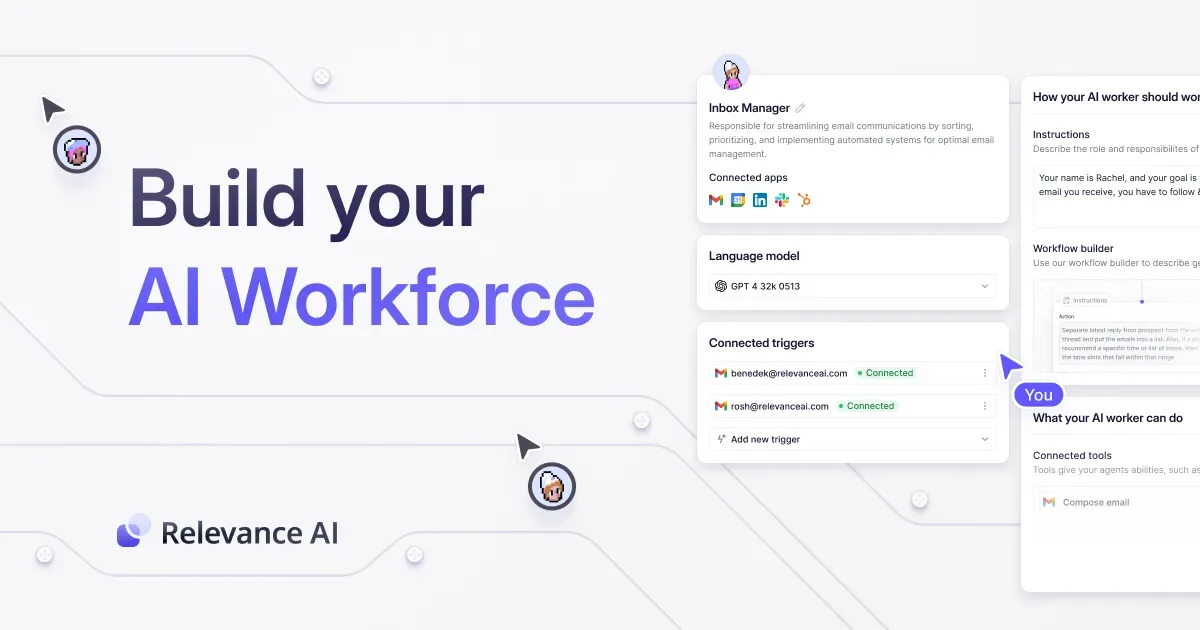
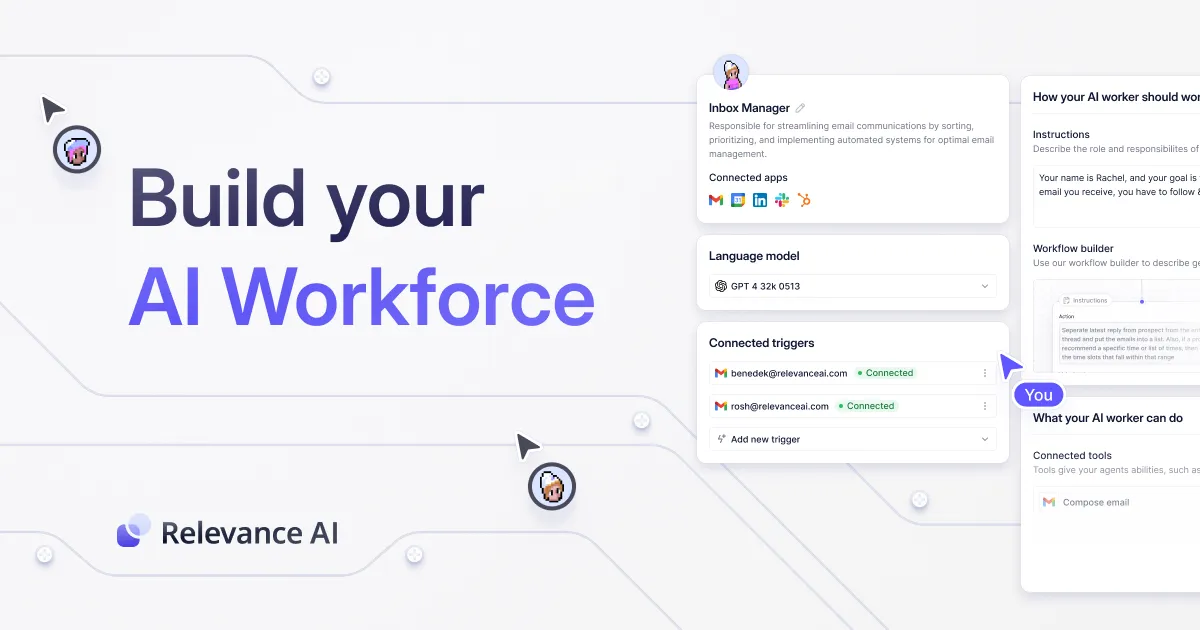
You build everything through a visual interface on relevanceai.com. No Python. No API wrangling. You connect tools (Gmail, Slack, HubSpot, Google Sheets, and dozens more), define triggers (new form submission, scheduled time, webhook), and set the agent's instructions in plain English. The platform handles the LLM orchestration, tool calling, and state management underneath.
Tested April-May 2026 over three weeks with real sales and content workflows.
What Are Relevance AI's Key Features?
Relevance AI's feature set centers on four capabilities that separate it from basic automation tools. Each one matters for different use cases.
Multi-Agent Teams: You can deploy multiple agents that communicate with each other. In our testing, we built a three-agent research pipeline: one agent scraped competitor pricing pages, a second synthesized findings into a comparison table, and a third drafted a summary memo. The handoff between agents was seamless about 85% of the time. The other 15% required manual intervention when data formats didn't match between agents.
Four Autonomy Levels: This is Relevance AI's most distinctive feature. Level 1 agents need human approval for every action. Level 2 agents operate within defined guardrails. Level 3 (Autopilot) handles routine decisions independently and escalates exceptions. Level 4 (Self-Driving) operates with full autonomy.

In practice, we ran most agents at Level 2 or 3. Level 4 felt risky for anything customer-facing. The ability to dial autonomy up or down per agent is genuinely useful and something competitors lack.
Custom Tool Builder: You create tools that agents can use, things like "search this knowledge base," "send this Slack message," or "update this CRM record." The tool builder uses a visual flow editor. We built a custom tool that checked inventory levels in a Google Sheet and triggered a reorder email when stock dropped below a threshold. Took about 45 minutes.
400+ Marketplace Templates: Pre-built agents for common use cases. The sales BDR template, content repurposing agent, and customer support FAQ bot all worked well out of the box. Templates saved us roughly 2-3 hours per agent compared to building from scratch. Quality varies. Some templates felt polished; others were bare-bones starting points.
If you're evaluating whether these features justify the cost, our guide on how to evaluate AI agent ROI walks through the metrics that actually matter.
How Much Does Relevance AI Cost?
Relevance AI uses a credit-based pricing model that can be confusing at first. Here's what each tier actually costs as of May 2026.
| Plan | Price | Daily Credits | Key Features |
|---|---|---|---|
| Free | $0/mo | 100 | Basic agents, limited integrations |
| Pro | $19/mo per user | 10,000 | Advanced tools, priority support |
| Business | $199/mo per user | 100,000 | Custom integrations, SSO, dedicated support |
| Enterprise | Custom | Unlimited | Custom deployment, SLA, dedicated CSM |
Credits are consumed per agent action. A simple lookup costs 1-2 credits. An LLM-powered analysis step costs 5-15 credits depending on model and input size. In our testing, a sales BDR agent processing 50 leads per day consumed roughly 2,000-3,000 daily credits.
The free tier is good for experimentation but runs out fast with any real workflow. Pro at $19/month is the practical starting point for most teams. Business at $199/month makes sense once you're running 5+ agents with high daily volume.
One thing to watch: credit overages. If you exceed your daily limit, agents pause until the next day (or you buy add-on credits). This caught us off guard during a high-volume test run. Budget 20% above your expected credit usage to avoid disruptions.
Pricing source: Relevance AI pricing page, verified May 2026.
Who Should (and Shouldn't) Use Relevance AI?
Relevance AI is built for non-technical operations teams, founders wearing multiple hats, and marketing/sales teams who want AI automation without a developer on staff. If you're spending hours on repetitive workflows like lead research, data entry, report generation, or support ticket triage, Relevance AI can realistically save you 10-15 hours per week after setup.
Small businesses running e-commerce operations will find the marketplace templates particularly useful. The inventory management and customer support agents work well for Shopify and WooCommerce workflows.
Relevance AI is not the right fit if you need:
- Simple linear automation. If your workflow is "when X happens, do Y," Make is cheaper and simpler. You don't need agents for that.
- Deep custom code integration. Developers who want fine-grained control over LLM prompts, custom model hosting, or complex API orchestration will feel constrained by the visual builder. Vellum AI is better for that use case.
- Enterprise-grade compliance. While the Business tier adds SSO and audit logs, Relevance AI's compliance certifications are still maturing. Large enterprises with strict data residency requirements should evaluate carefully.


How Does Relevance AI Compare to Make?
This is the comparison most people want. Both platforms automate workflows. The difference is intelligence.
| Feature | Relevance AI | Make |
|---|---|---|
| Approach | Autonomous AI agents | Linear workflow automation |
| Decision-making | Agents choose actions based on context | Fixed if/then logic |
| Starting price | $19/mo per user | $9/mo |
| No-code builder | Yes (visual + natural language) | Yes (visual) |
| Best for | Complex, judgment-heavy workflows | Predictable, rule-based tasks |
| Learning curve | Moderate (2-4 hours to first agent) | Low (30 min to first workflow) |
Make wins on simplicity and price. If you need "when a new row appears in Google Sheets, send a Slack message," Make does it faster and cheaper. No contest.
Relevance AI wins when your workflow needs judgment. "Research this lead, decide if they're qualified, draft a personalized email based on their company's recent news, and only escalate to a human if the deal size exceeds $50K" is something Make can't do. Relevance AI handles it natively.
In our testing, we replicated a lead qualification workflow on both platforms. Make required 12 steps with manual branching logic and still couldn't handle edge cases. Relevance AI's agent handled the same workflow in one agent configuration and correctly classified 82% of edge cases without human input.
The honest answer: most teams need both. Make for the predictable stuff, Relevance AI for the work that requires thinking.
Our Testing Process
We tested Relevance AI over three weeks in April-May 2026 using real business workflows, not demo scenarios. Our test included:
- Sales pipeline: Built a 3-agent team (lead researcher, qualifier, email drafter) processing 50 leads/day from a real prospect list
- Content repurposing: Single agent converting long-form articles into social media posts, email snippets, and summary briefs
- Support triage: Agent classifying incoming support tickets and drafting initial responses
We tracked accuracy (did the agent do the right thing?), speed (time to complete tasks), and credit consumption. All testing was done on the Pro tier ($19/month).
Key findings: Agent accuracy improved significantly after the first 48 hours of tuning prompts and tool configurations. Initial accuracy was around 65-70%. After tuning, we hit 82-88% across all three workflows. The platform's built-in logs made debugging straightforward. We haven't tested the Enterprise tier or custom deployment options.
Editorially reviewed by Todd Stearn. Methodology details at how we work.
The Bottom Line
Relevance AI delivers on its promise of no-code AI agent teams. It's the best platform available for non-technical teams who need autonomous automation, not just simple triggers. The four autonomy levels, multi-agent orchestration, and 400+ templates create a genuinely useful toolkit. Credit-based pricing requires careful monitoring, and expect a 2-4 hour investment to build your first production-ready agent. At $19/month per user for Pro, it's priced fairly for the value it delivers. If your workflows need AI judgment rather than simple if/then logic, Relevance AI is the platform to start with.
Try Relevance AI Free →
Frequently Asked Questions
Is Relevance AI free to use?
Relevance AI offers a free tier with 100 daily credits and basic agent capabilities. Paid plans start at $19/month per user for the Pro tier, which adds higher credit limits, priority support, and advanced tool integrations. The free plan is enough to test workflows but too limited for real production use.
Can I build AI agents on Relevance AI without coding?
Yes. Relevance AI is built entirely around a visual, no-code interface. You drag and drop tools, set triggers, and configure agent behaviors through a point-and-click builder. Over 400 templates in the marketplace give you pre-built starting points for sales, marketing, support, and research workflows.
How does Relevance AI compare to Make or Zapier?
Make and Zapier automate tasks through linear workflows. Relevance AI adds an agent layer on top, meaning your automations can make decisions, handle branching logic, and operate autonomously. If you need simple triggers, Make is cheaper. If you need AI judgment in your workflows, Relevance AI is the better fit.
What are Relevance AI's autonomy levels?
Relevance AI uses four autonomy levels. Level 1 requires human approval for every action. Level 2 lets agents act within guardrails. Level 3 (Autopilot) handles most decisions independently with exception escalation. Level 4 (Self-Driving) gives agents full autonomy. You control which level each agent operates at.
Is Relevance AI good for small businesses?
Small businesses with repetitive workflows across sales, support, or marketing will see immediate value. The free tier and $19/month Pro plan keep costs low. The main limitation is time investment. Expect 2-4 hours to build and tune your first useful agent, longer for multi-agent teams.
Related AI Agents
- Make - Visual workflow automation platform with 1,500+ app integrations. Best for predictable, rule-based automations at lower cost.
- MindStudio - No-code AI app builder focused on creating custom AI-powered tools and chatbots. Good alternative if you need single-purpose AI tools rather than agent teams.
- Relay.app - Collaborative workflow automation with human-in-the-loop steps. Strong choice if you want automation that keeps humans involved at key decision points.
- Copy.ai - AI-powered sales and marketing workflow platform. Overlaps with Relevance AI's content and sales agent capabilities but with a narrower focus.
- Microsoft Agent 365 - Enterprise AI agent platform integrated with the Microsoft ecosystem. Better fit if your team already lives in Microsoft tools.
Get weekly AI agent reviews in your inbox. Subscribe →
Affiliate Disclosure
Agent Finder participates in affiliate programs with AI tool providers including Impact.com and CJ Affiliate. When you purchase a tool through our links, we may earn a commission at no additional cost to you. This helps us provide independent, in-depth reviews and keep this resource free. Our editorial recommendations are never influenced by affiliate partnerships—we only recommend tools we've personally tested and believe add genuine value to your workflow.
Try Relevance AI today
Get started with Relevance AI — free tier available on most plans.
Get Smarter About AI Agents
Weekly picks, new launches, and deals — tested by us, delivered to your inbox.
Join 1 readers. No spam. Unsubscribe anytime.
Related Articles
Gumloop Review 2026: No-Code AI Automation Done Right
Gumloop lets you build AI agent workflows with drag-and-drop. We tested it for 3 weeks. Read our full Gumloop review to see if it's worth the price.
Aident AI Review 2026: No-Code Automation That Actually Works
Aident AI turns plain English into business workflows with 250+ integrations. We tested it for 3 weeks across real automations. See if it beats Zapier for your team.
Writer Review 2026: Enterprise AI Agents Done Right
Writer review: enterprise AI platform with custom LLMs, Knowledge Graph, and AI Studio. We tested it for 4 weeks. See pricing, pros, cons, and our verdict.