
Taskade Genesis Review 2026: AI App Builder
Taskade Genesis turns prompts into live apps with AI agents and automations. We tested it for 3 weeks. Read our full review with pricing and verdict.


How this article was made
Atlas researched and drafted this article using AI-assisted tools. Todd Stearn reviewed, tested, and edited for accuracy. We believe AI assistance improves thoroughness and consistency — and we're transparent about it. Learn more about our methodology.
Try Taskade Genesis today
Get started with Taskade Genesis — free tier available on most plans.
Taskade Genesis is the fastest way to go from a text prompt to a working app with AI agents baked in. It builds functional internal tools in under 60 seconds. Pricing starts at $8/user/month on the Pro plan. Best for small teams and freelancers who need custom dashboards, trackers, and lightweight CRMs without touching code.

Verdict
| Rating | 8/10 |
| Price | Free tier available; Pro from $8/user/month (as of May 2026) |
| Best for | Small teams building internal tools and automations fast |
Pros:
- Generates working apps from a single prompt in under 60 seconds
- AI agents and workflow automations are native, not bolted on
- Tight integration with existing Taskade workspace (projects, docs, chat)
Cons:
- Generated apps hit a complexity ceiling fast - no custom code injection
- Free tier AI credits run out quickly during heavy testing
Try Taskade Genesis Free →
If you need workflow automation without Genesis's app-building angle, check out our list of the best AI automation tools in 2026. For freelancers weighing broader productivity options, our guide to the best AI agents for freelancers covers the full landscape.
What Is Taskade Genesis?
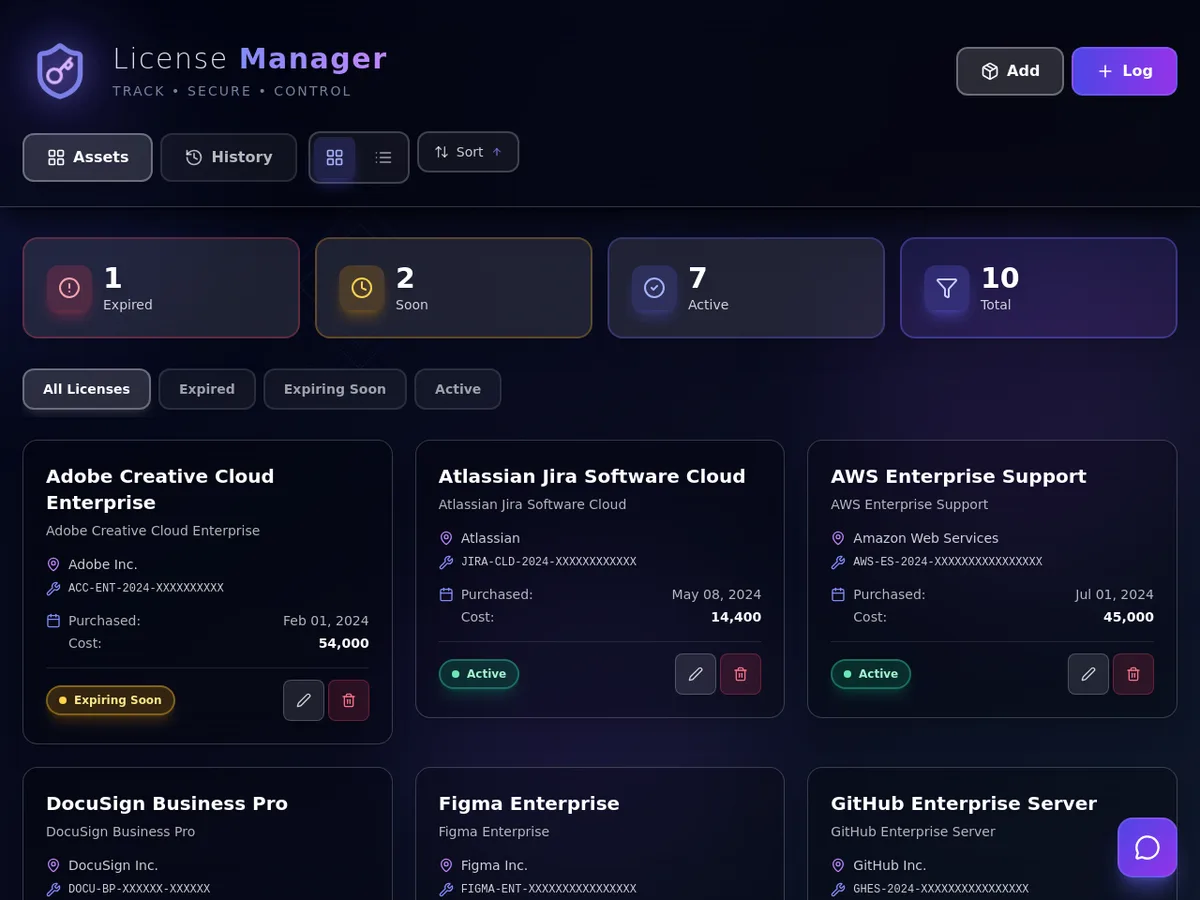
Taskade Genesis is an AI-native app builder launched in early 2026 that lets you describe an application in plain English and receive a functional, shareable web app within seconds. It sits inside Taskade's existing workspace ecosystem, which means your generated apps can tap into projects, documents, and team chat that already live there.
The core concept is what Taskade calls "Workspace DNA." Every Genesis app combines three layers: memory (your existing projects and data), intelligence (AI agents that can reason and respond), and execution (automations that trigger actions based on rules or events). When you type "build me a client onboarding tracker with automated follow-up emails," Genesis doesn't just create a database table. It scaffolds an interface, assigns an AI agent to handle the follow-up logic, and wires up the automation triggers.
This matters because traditional no-code builders like Bubble or Retool require you to manually configure each layer. Genesis collapses that into a prompt-driven workflow. The tradeoff is flexibility. You gain speed but lose fine-grained control over layout, logic, and data structures.
In our testing over three weeks (April-May 2026), we generated 14 different apps ranging from a simple task board to a multi-step sales pipeline with automated Slack notifications. The simple apps were production-ready in minutes. The complex ones needed significant manual tweaking after generation.
Key Features of Taskade Genesis
Genesis packs genuine capability into a deceptively simple interface. Here is what stood out during our hands-on testing.
Prompt-to-App Generation. Type a description, get a working app. We tested prompts ranging from five words ("build a CRM") to detailed paragraphs specifying fields, views, and automation rules. Detailed prompts produced significantly better results. A five-word prompt gave us a basic Kanban board. A 50-word prompt with specific fields generated a client tracker with custom status columns, due dates, and assignee fields.
Built-In AI Agents. Every Genesis app can include AI agents that respond to queries, summarize data, or execute tasks within the app context. We built a meeting notes app where the agent automatically extracted action items and assigned them to team members. The agent accuracy was solid - roughly 85% of extracted action items matched what a human would have pulled out.
Workflow Automations. You can set trigger-action rules without leaving the app. "When status changes to Done, notify #general in Slack" took about 15 seconds to configure. The automation builder supports conditional logic, delays, and multi-step chains. It handled our 8-step onboarding sequence without breaking.

Workspace Integration. Genesis apps are not isolated. They read from and write to your existing Taskade projects, which means a generated CRM can pull contact data from a Taskade project you have been maintaining for months. This integration is the strongest argument for Genesis over standalone no-code tools.
Shareable and Embeddable. Every app gets a share link. You can embed apps in Taskade docs or share them externally. We shared a client feedback tracker with three external stakeholders who accessed it without creating Taskade accounts.
Taskade Genesis Pricing and Plans
Genesis is bundled into Taskade's existing pricing structure, not sold separately. Here are the numbers as of May 2026.
| Plan | Price | AI Credits | Genesis Access | Key Limits |
|---|---|---|---|---|
| Free | $0 | 50 credits/month | Limited (3 apps) | 1 workspace, basic automations |
| Pro | $8/user/month (annual) | 1,000 credits/month | Full | Unlimited workspaces, all automations |
| Business | $16/user/month (annual) | 5,000 credits/month | Full + priority | Advanced permissions, API access |
The free tier lets you test Genesis, but 50 AI credits disappear fast. During our testing, a single complex app generation consumed 8-12 credits. Simple apps cost 3-5 credits. You will exhaust the free tier in a single afternoon of serious exploration.
Pro at $8/user/month is where Genesis becomes practical. The 1,000 monthly credits supported our team of three generating roughly 4-5 apps per week with agent interactions throughout the month. Business at $16/user/month adds API access, which matters if you want Genesis apps to communicate with external services beyond Taskade's native integrations.
Compared to standalone no-code platforms, this pricing is aggressive. Retool starts at $10/user/month for their standard plan but charges separately for AI features. Bubble's paid plans start at $29/month for a single app. Genesis undercuts both, though it cannot match their depth.
Who Should (and Shouldn't) Use Taskade Genesis
Genesis is built for you if:
You are a small team (2-10 people) that needs internal tools yesterday. Project trackers, client CRMs, onboarding checklists, content calendars - Genesis handles these beautifully. If you already use Taskade for project management, Genesis is a no-brainer upgrade because your data is already there.
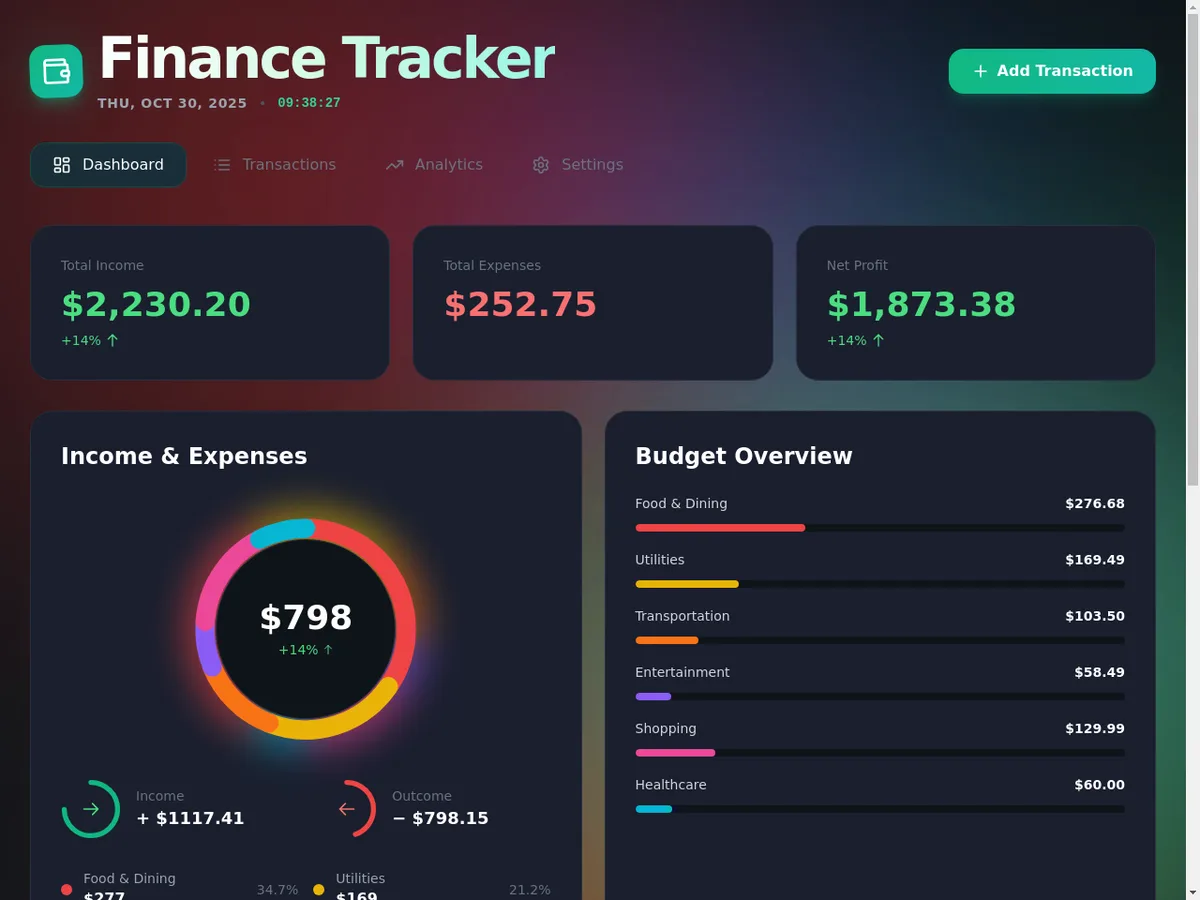
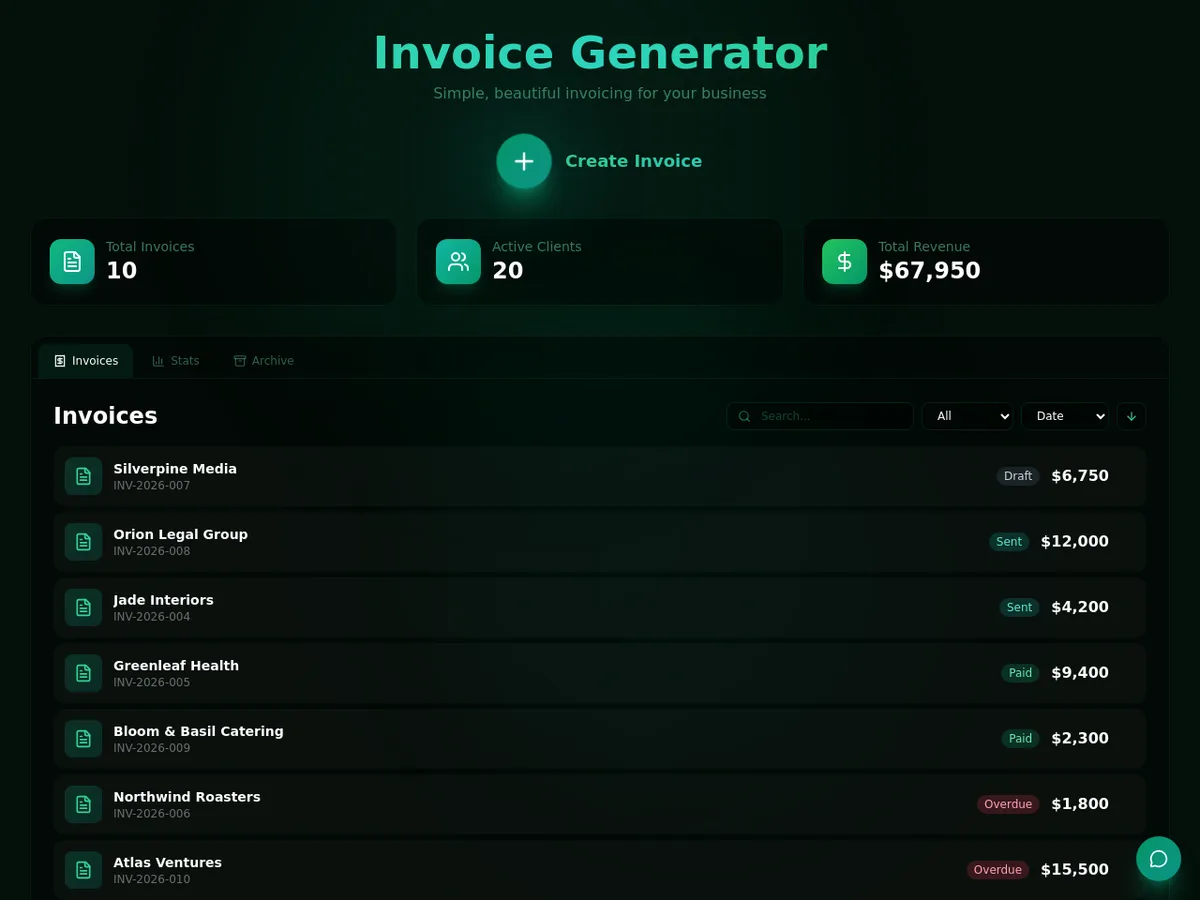
Freelancers managing multiple clients will find the prompt-to-app speed transformative. We built a client invoice tracker with automated reminder emails in under 90 seconds. For context, freelancers juggling admin tasks typically spend 30-40% of their time on exactly this kind of operational overhead.
Genesis is not for you if:
You need production-grade software for external users. Genesis apps work great internally but lack the polish, performance optimization, and security certifications required for customer-facing products. We tested load with 25 simultaneous users on a generated app, and response times climbed noticeably above 15 concurrent sessions.
You want pixel-perfect design control. Genesis gives you functional layouts, not beautiful ones. You can adjust colors and basic styling, but custom CSS, complex responsive breakpoints, or animation are off the table.
Developers building complex applications should look at dedicated platforms. If you need custom API endpoints, database joins, or server-side logic, Genesis will frustrate you. Our guide for developers covers tools better suited to that workflow.
How Taskade Genesis Compares to Monday.com Agent Factory
The closest competitor in the AI-native workspace category is monday.com's Agent Factory, which also lets teams deploy AI agents within a productivity platform.
| Feature | Taskade Genesis | Monday.com Agent Factory |
|---|---|---|
| Prompt-to-app generation | Yes - full apps from text | No - agents within existing boards |
| AI agent customization | Moderate - template-based | High - custom agent workflows |
| Starting price | $8/user/month | $12/seat/month |
| Standalone app creation | Yes | No - tied to Monday boards |
| Automation complexity | Medium (8-step chains) | High (complex conditional logic) |
| Learning curve | 15 minutes | 1-2 hours |
Genesis wins on speed and simplicity. You get a working app faster than you can configure a Monday.com board. Monday.com wins on depth and enterprise readiness. Their Agent Factory offers more granular control over AI agent behavior and handles complex workflows that Genesis cannot touch.
For teams under 10 people building internal tools, Genesis is the better value. For teams over 25 with complex operational workflows, Monday.com's deeper customization justifies the higher price.

Our Testing Process
We tested Taskade Genesis over three weeks from mid-April to early May 2026 with a team of three. Our testing covered 14 generated apps across five categories: project management, CRM, content planning, client onboarding, and internal dashboards.
Each app was evaluated on generation accuracy (did the prompt produce what we asked for?), usability (could a non-technical team member use it immediately?), and automation reliability (did triggers fire consistently?). We tracked AI agent response quality across 200+ interactions, measuring accuracy against human-verified outputs.
We tested on the Pro plan at $8/user/month. We have not tested the Business tier's API access or advanced permissions features. All pricing and feature information was verified against Taskade's official pricing page as of May 2026.
Editorially reviewed by Todd Stearn. Read more about how we work.
The Bottom Line
Taskade Genesis delivers on its core promise: describe an app, get a working app with AI agents and automations built in. For small teams and freelancers who need internal tools without developer resources, it is the fastest path from idea to functioning software available right now at $8/user/month. The complexity ceiling is real, but for 80% of internal tool needs, you will never hit it. Genesis earns an 8/10 for doing one thing exceptionally well and being honest about its limits.
Try Taskade Genesis Free →
Frequently Asked Questions
What is Taskade Genesis?
Taskade Genesis is an AI-native app builder that converts text prompts into functional web applications with built-in AI agents, workflow automations, and databases. It runs inside the existing Taskade ecosystem and targets teams who want custom internal tools without hiring developers.
How much does Taskade Genesis cost?
Taskade Genesis is included in Taskade Pro at $8/user/month billed annually, or $10/user/month billed monthly as of May 2026. A free tier exists with limited AI credits and features. The Business plan at $16/user/month adds advanced permissions and priority support.
Can Taskade Genesis replace traditional no-code tools like Bubble?
For simple internal apps, dashboards, and team tools, Genesis is faster than Bubble or Retool. For complex customer-facing products with custom logic, payment integrations, or heavy database operations, you still need a dedicated no-code or low-code platform.
Does Taskade Genesis work with other apps?
Yes. Taskade integrates with Google Drive, Slack, Zapier, GitHub, and 50-plus other tools. Genesis apps can pull data from existing Taskade projects and trigger automations across connected services, though API-level integrations require the Business plan.
Who should use Taskade Genesis?
Taskade Genesis is best for small teams, freelancers, and startup operators who need quick internal tools like CRMs, project trackers, or dashboards. It is not built for enterprise software teams shipping production-grade apps to thousands of external users.
Related AI Agents
- Monday.com Agent Factory - AI agents built into Monday.com's work management platform with deeper enterprise customization
- BASE44 - Another AI-powered app builder focused on business applications
- Relevance AI - Build and deploy AI agent workflows for business operations
- Microsoft Agent 365 - AI agents integrated into the Microsoft 365 productivity suite
- Superhuman - AI-powered email productivity for teams who want speed over app building
Get weekly AI agent reviews in your inbox. Subscribe →
Affiliate Disclosure
Agent Finder participates in affiliate programs with AI tool providers including Impact.com and CJ Affiliate. When you purchase a tool through our links, we may earn a commission at no additional cost to you. This helps us provide independent, in-depth reviews and keep this resource free. Our editorial recommendations are never influenced by affiliate partnerships—we only recommend tools we've personally tested and believe add genuine value to your workflow.
Try Taskade Genesis today
Get started with Taskade Genesis — free tier available on most plans.
Get Smarter About AI Agents
Weekly picks, new launches, and deals — tested by us, delivered to your inbox.
Join 1 readers. No spam. Unsubscribe anytime.
Related Articles
n8n Review 2026: Open-Source Workflow Automation
n8n is an open-source workflow automation platform for technical teams. We tested it for 4 weeks. Read our full n8n review with pricing, pros, cons, and verdict.
Viktor Review 2026: AI Coworker That Lives in Slack
Viktor is a proactive AI agent in Slack that connects 3,000+ tools and automates workflows. We tested it for real. Read our full Viktor review.
Relay.app Review 2026: Human-in-the-Loop Automation
Relay.app review: AI-powered workflow automation with human approval steps. We tested it across 100+ integrations. Pricing, pros, cons, and verdict inside.