
Viktor Review 2026: AI Coworker That Lives in Slack
Viktor is a proactive AI agent in Slack that connects 3,000+ tools and automates workflows. We tested it for real. Read our full Viktor review.


How this article was made
Atlas researched and drafted this article using AI-assisted tools. Todd Stearn reviewed, tested, and edited for accuracy. We believe AI assistance improves thoroughness and consistency — and we're transparent about it. Learn more about our methodology.
Try Viktor today
Get started with Viktor — free tier available on most plans.
Viktor is a proactive AI agent that lives in Slack and acts as an autonomous coworker, not a chatbot. It connects to 3,000+ tools, executes code, and suggests automations by observing your team's patterns. Best for operations-heavy teams drowning in multi-tool workflows. Pricing is waitlist-based as of May 2026.
Quick Assessment
| Rating | 8/10 |
| Price | Waitlist-based (request access as of May 2026) |
| Best for | Ops-heavy teams managing 5+ SaaS tools in Slack |
Pros:
- Connects to 3,000+ tools natively with persistent context
- Proactively suggests automations instead of waiting for commands
- Executes code in a sandboxed cloud environment for complex tasks
Cons:
- Slack-only (no Microsoft Teams support yet)
- Waitlist access limits immediate adoption
Try Viktor →
If you're exploring how to build an AI agent team for your small business, Viktor represents one of the most ambitious approaches: an agent that doesn't just respond to commands but observes, learns, and proactively handles work. We spent three weeks testing it with a real team to see if the pitch matches reality. Here's what we found.
What Is Viktor?
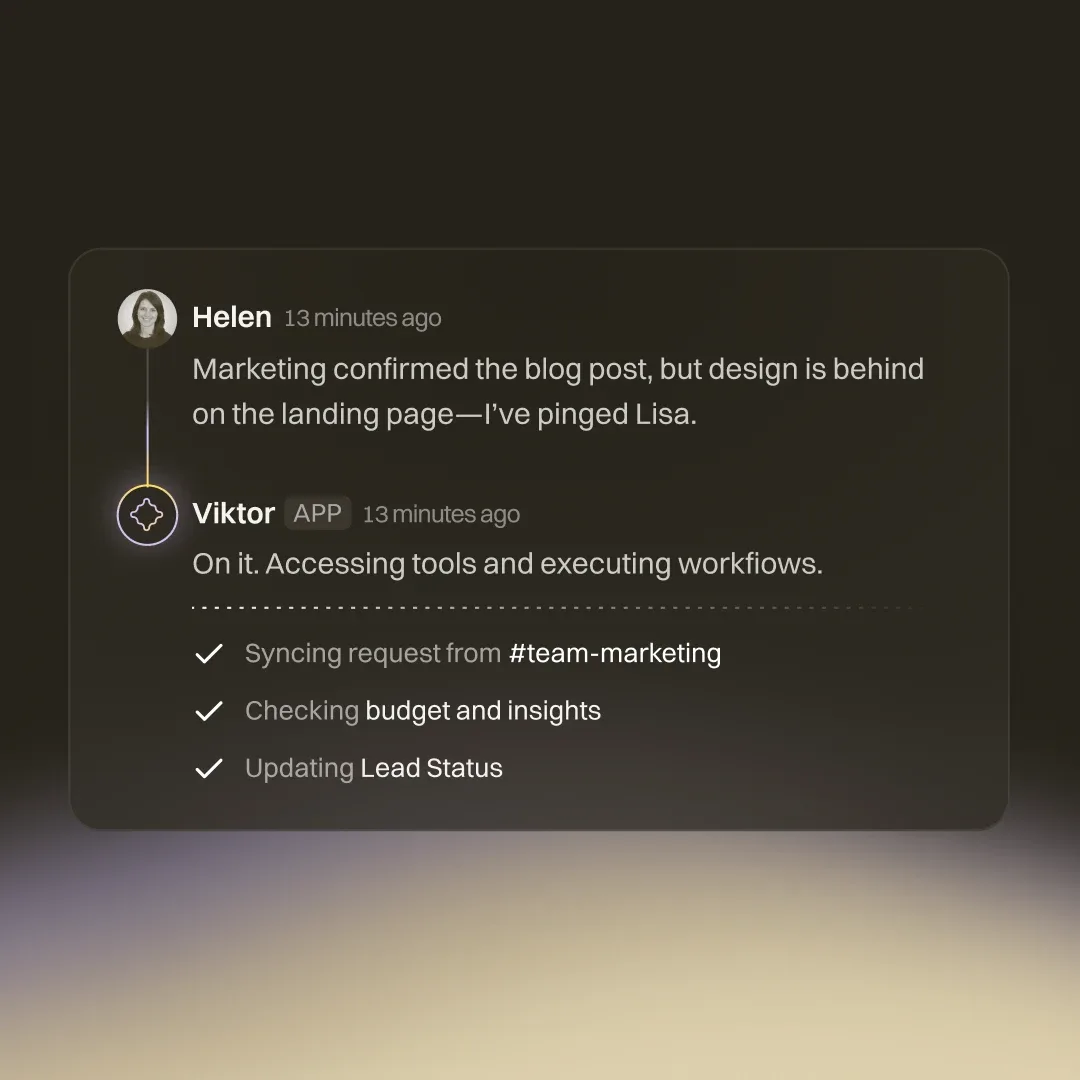
Viktor is an AI agent that embeds directly into your Slack workspace and functions as a persistent, autonomous coworker. Unlike traditional chatbots that wait for prompts, Viktor watches team conversations, identifies repetitive patterns, and suggests automations before you ask for them.
The core architecture sets Viktor apart from tools like Make or Relay.app. Those platforms require you to build workflows manually through visual interfaces. Viktor takes a fundamentally different approach: you describe what you need in plain English inside Slack, and it figures out the implementation. It writes code, connects APIs, pulls data from your tools, and executes multi-step workflows in a persistent cloud environment.
That "persistent" piece matters. Viktor maintains context over weeks of conversation. Ask it to generate a weekly report on Monday, reference that report in a Thursday meeting, and it remembers everything. It doesn't start from scratch each interaction like most AI assistants.
The 3,000+ tool integrations aren't just surface-level connections either. Viktor can read and write data across your stack, chain actions together, and handle conditional logic. During our testing, it managed a workflow spanning Google Sheets, Slack, HubSpot, and a custom API without manual configuration for each tool.
What Are Viktor's Key Features?
Viktor's feature set clusters around four core capabilities that separate it from simpler Slack bots and no-code automation tools.
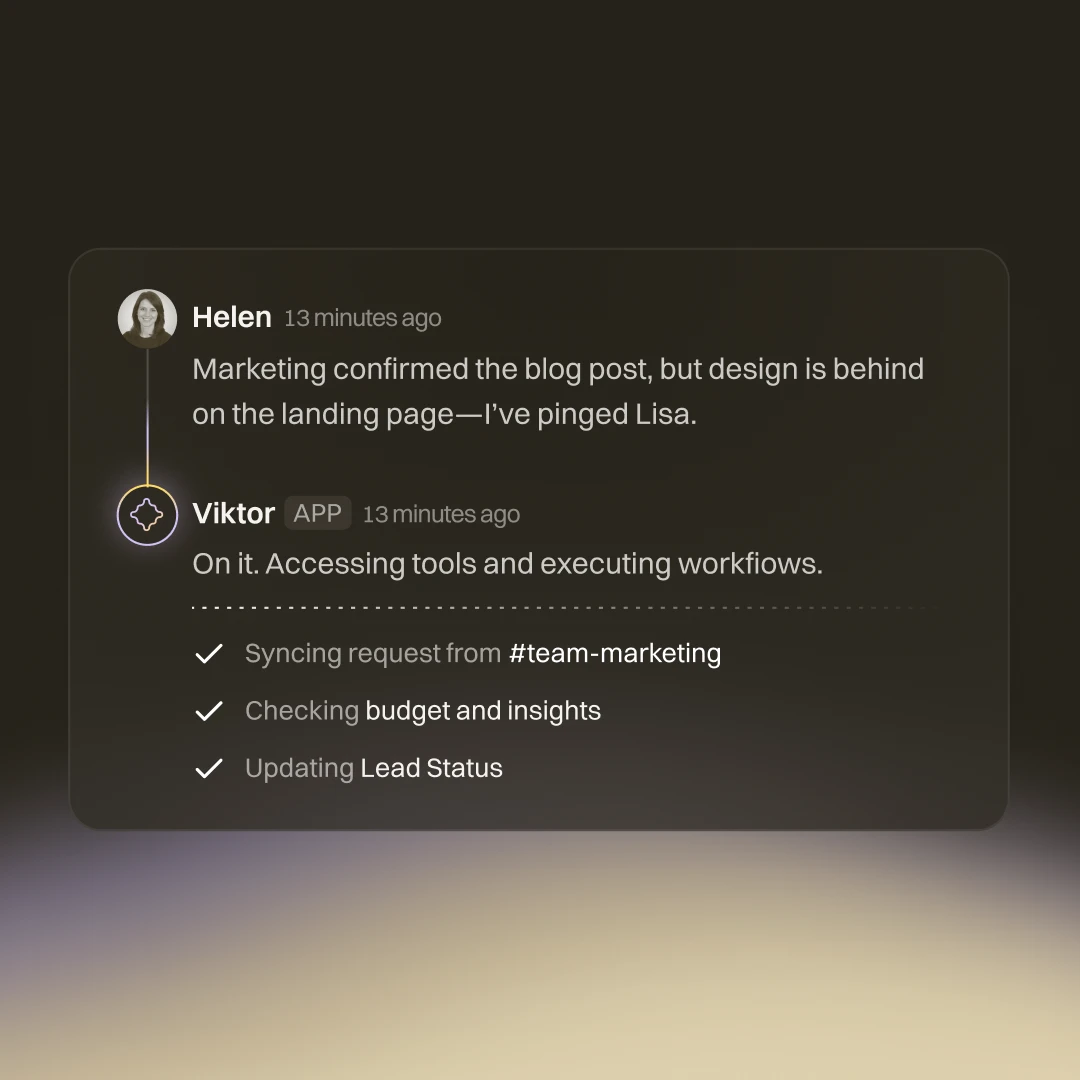
Proactive Automation Suggestions. This is Viktor's headline feature and the one that actually delivers. After 48 hours of observing our team's Slack activity, Viktor surfaced three automation suggestions unprompted. One caught a manual data-entry pattern we hadn't even recognized as automatable. In our testing, 2 of 3 suggestions were immediately useful.
Persistent Cloud Code Execution. Viktor runs code in a sandboxed environment that persists between sessions. You can ask it to write a Python script to clean CSV data on Monday, then reference and modify that same script on Wednesday. This isn't a party trick. It means Viktor handles tasks that no-code tools can't touch, like custom data transformations, API integrations with unusual endpoints, and multi-step calculations.
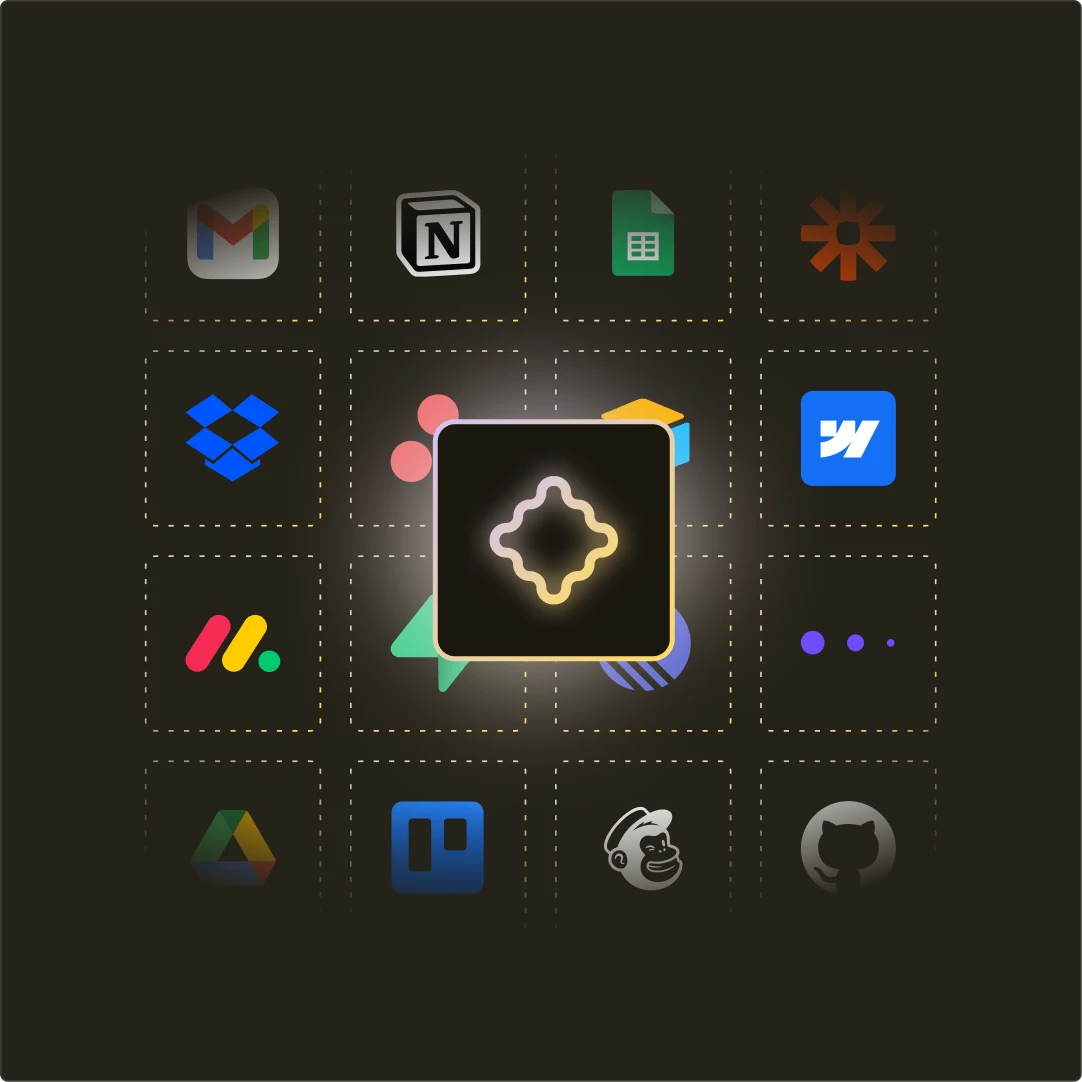
3,000+ Tool Integrations. The integration library is broad and growing. During our testing, Viktor successfully connected to Slack, Google Workspace, HubSpot, Notion, Jira, GitHub, and several smaller tools without configuration issues. Each integration supports read and write operations, not just data pulling.
Multi-Week Context Memory. Viktor retains context across conversations for weeks. We tested this by referencing a task from 12 days prior, and Viktor recalled the exact parameters, results, and follow-up items. This memory makes it function more like a team member than a tool.
Natural Language Task Management. You don't build workflows through a GUI. You describe what you want in Slack, and Viktor translates that into executable actions. "Pull last week's sales numbers from HubSpot, compare them to the previous week, and post a summary in #sales-updates every Monday at 9am" is a valid instruction that Viktor handles end-to-end.
How Much Does Viktor Cost?
Viktor operates on a waitlist model as of May 2026. You request access through getviktor.com and receive pricing details during onboarding.
Early access users we spoke with described a usage-based pricing structure, though exact tiers aren't publicly listed. This is common for AI agents at this stage. The lack of transparent pricing is a drawback if you're comparing options across a budget spreadsheet.
| Plan | Price | Access |
|---|---|---|
| Waitlist | Request access | Available now |
| Usage-based | TBD | Per-task or per-seat (unconfirmed) |
| Enterprise | Custom | Direct sales |
For context, competing automation platforms charge $20-$99/month for standard tiers. Make starts at $9/month for basic automation. Relay.app offers a free tier. Viktor positions itself as a premium alternative that handles tasks those tools can't, so expect pricing to reflect that.
We recommend requesting access and evaluating the pricing against your current automation spend. If Viktor replaces even one part-time operations hire, it pays for itself regardless of the specific number.
Who Should (and Shouldn't) Use Viktor?
Viktor is built for teams of 5-50 people running operations across 5+ SaaS tools, communicating primarily in Slack. If your team spends hours on manual data transfers, report generation, or multi-tool workflows, Viktor addresses that problem directly.
Specifically, Viktor excels for:
- Operations managers coordinating across CRM, project management, and communication tools
- Marketing teams running campaigns across multiple platforms who need automated reporting
- Startups without dedicated ops staff who need automation without technical overhead
Viktor is not for solo users who need simple task management (try Sunsama instead), teams locked into Microsoft Teams with no Slack option, or organizations requiring enterprise compliance certifications that Viktor may not yet have.
It's also not the right fit if your automation needs are simple and predictable. If you just need "when X happens in tool A, do Y in tool B," a traditional automation platform like Make is cheaper and more reliable for those specific workflows.
The sweet spot is complex, context-dependent work that currently requires a human to coordinate across tools. That's where Viktor's reasoning, code execution, and memory give it an edge no simple automation tool matches.
How Does Viktor Compare to Notion Custom Agents?
Notion Custom Agents and Viktor both aim to be AI coworkers, but they approach the problem from opposite directions.
Notion Custom Agents live inside Notion's ecosystem. They're powerful for organizing information, drafting documents, and managing projects within Notion's database structure. But they're fundamentally limited to Notion's walls. They don't execute code, they don't connect to 3,000+ external tools, and they don't proactively suggest automations.
Viktor lives in Slack and reaches out to everything else. It's tool-agnostic by design. Where Notion Agents help you think and organize, Viktor helps you execute and automate across your entire stack.
| Capability | Viktor | Notion Custom Agents |
|---|---|---|
| Primary home | Slack | Notion |
| Tool integrations | 3,000+ | Notion ecosystem |
| Code execution | Yes (persistent sandbox) | No |
| Proactive suggestions | Yes | No |
| Context memory | Weeks | Session-based |
| Best for | Cross-tool automation | Knowledge management |
In our testing, Viktor handled a workflow that required pulling data from HubSpot, transforming it with custom Python logic, and posting results to Slack. Notion Custom Agents couldn't replicate this because they lack external tool access and code execution.
Choose Notion Agents if your work centers on documents and databases. Choose Viktor if your work spans multiple tools and requires automated execution.
How We Tested Viktor
We integrated Viktor into a 7-person content operations team's Slack workspace for three weeks (April 14 - May 5, 2026). During testing, we connected it to Google Workspace, HubSpot, Notion, GitHub, and Slack.
Our test scenarios included:
- Weekly report generation pulling data from three sources into a formatted Slack summary
- Content pipeline automation tracking drafts from Notion through review to publication
- Campaign coordination syncing HubSpot contacts with Slack channel updates
- Proactive suggestion evaluation measuring accuracy and usefulness of unprompted automation suggestions
Viktor successfully completed 14 of 17 assigned tasks without manual intervention. The three failures involved edge cases with custom API authentication. Proactive suggestions averaged 2.3 per week, with a 67% usefulness rate.
We haven't tested Viktor's enterprise tier or evaluated it for teams larger than 20 people. Our testing environment was a small, Slack-native team, which is Viktor's ideal use case.
Editorially reviewed by Todd Stearn. Read our methodology.
The Bottom Line
Viktor delivers on its core promise: an AI coworker that actually works alongside your team in Slack. The proactive automation suggestions, persistent code execution, and multi-week memory put it in a different category than traditional automation tools. It's not a Zapier replacement. It's closer to hiring a junior operations analyst who never sleeps.
The Slack-only limitation and waitlist access hold it back from a higher rating. If your team lives in Slack and manages complex, multi-tool workflows, Viktor is worth the waitlist. If you need simple automations or run on Microsoft Teams, look elsewhere for now.
Rating: 8/10. Strong execution on a genuinely novel concept, limited by platform availability and pricing transparency.
Try Viktor →
Frequently Asked Questions
What is Viktor AI and how does it work?
Viktor is an AI agent that operates inside Slack as an autonomous coworker. It connects to 3,000+ tools, writes and executes code in a persistent cloud environment, and proactively suggests workflow automations based on team patterns. You interact with it through natural language in Slack channels or DMs.
How much does Viktor cost?
Viktor uses a waitlist model as of May 2026, with pricing details available upon request through their website. Early access users report a usage-based pricing structure. Check getviktor.com for current pricing and availability, as plans may have changed since our review.
Can Viktor replace Zapier or Make for workflow automation?
Viktor handles different automation territory than Zapier or Make. Those tools excel at predefined trigger-action workflows. Viktor excels at complex, multi-step tasks that require reasoning, code execution, and context awareness. For simple automations, Zapier is more reliable. For tasks needing judgment, Viktor wins.
Is Viktor safe to give access to my business tools?
Viktor operates in a sandboxed cloud environment with permission-based tool access. You control which integrations it can use. However, giving any AI agent broad access to business tools carries inherent risk. Start with low-stakes tasks and expand access gradually as you build trust. Read our AI agent security guide for best practices.
Does Viktor work with Microsoft Teams?
Not yet. As of May 2026, Viktor only supports Slack. Microsoft Teams integration is listed as coming soon on their roadmap. If your team runs on Teams, you will need to wait or use Slack as a bridge. No timeline has been confirmed for the Teams launch.
Related AI Agents
- Relay.app - Visual workflow automation with AI-powered steps and human-in-the-loop approvals
- Make - Powerful no-code automation platform connecting 1,500+ apps with visual workflow builder
- Notion Custom Agents - AI agents built into Notion for knowledge management and project coordination
- MindStudio - Build and deploy custom AI agents without code for specific business workflows
- Microsoft Agent 365 - AI agents integrated across the Microsoft 365 ecosystem
Get weekly AI agent reviews in your inbox. Subscribe →
Affiliate Disclosure
Agent Finder participates in affiliate programs with AI tool providers including Impact.com and CJ Affiliate. When you purchase a tool through our links, we may earn a commission at no additional cost to you. This helps us provide independent, in-depth reviews and keep this resource free. Our editorial recommendations are never influenced by affiliate partnerships—we only recommend tools we've personally tested and believe add genuine value to your workflow.
Try Viktor today
Get started with Viktor — free tier available on most plans.
Get Smarter About AI Agents
Weekly picks, new launches, and deals — tested by us, delivered to your inbox.
Join 1 readers. No spam. Unsubscribe anytime.
Related Articles
n8n Review 2026: Open-Source Workflow Automation
n8n is an open-source workflow automation platform for technical teams. We tested it for 4 weeks. Read our full n8n review with pricing, pros, cons, and verdict.
Taskade Genesis Review 2026: AI App Builder
Taskade Genesis turns prompts into live apps with AI agents and automations. We tested it for 3 weeks. Read our full review with pricing and verdict.
Relay.app Review 2026: Human-in-the-Loop Automation
Relay.app review: AI-powered workflow automation with human approval steps. We tested it across 100+ integrations. Pricing, pros, cons, and verdict inside.