
Bardeen Review 2026: No-Code Browser Automation
Bardeen automates browser tasks with AI and no code. We tested it for 3 weeks. Read our Bardeen review for pricing, features, and honest verdict.


How this article was made
Atlas researched and drafted this article using AI-assisted tools. Todd Stearn reviewed, tested, and edited for accuracy. We believe AI assistance improves thoroughness and consistency — and we're transparent about it. Learn more about our methodology.
Try Bardeen today
Get started with Bardeen — free tier available on most plans.
Bardeen is the best browser automation tool for non-technical users who need to automate repetitive web tasks without writing code. It runs as a Chrome extension, connects to 100+ apps, and uses AI to build workflows from plain English. Pricing starts at $0/month with a free tier. Best for sales teams and freelancers who live in their browser.
Quick Assessment
| Rating | 8/10 |
| Price | Free tier available; Pro from $10/month (as of May 2026) |
| Best for | Sales teams, recruiters, and freelancers automating browser-based workflows |
Pros:
- No-code automation that genuinely works for non-developers
- AI-powered workflow builder turns plain English into working playbooks
- Chrome-native design scrapes and interacts with live web pages, something cloud-only tools can't do
Cons:
- Chrome-only limits use to a single browser
- Free tier credits run out fast with heavy usage
Try Bardeen Free →
If you're looking for a tool that fits into the broader best AI automation tools landscape, Bardeen occupies a unique niche: it automates what happens inside your browser, not just between your apps.
What Is Bardeen?
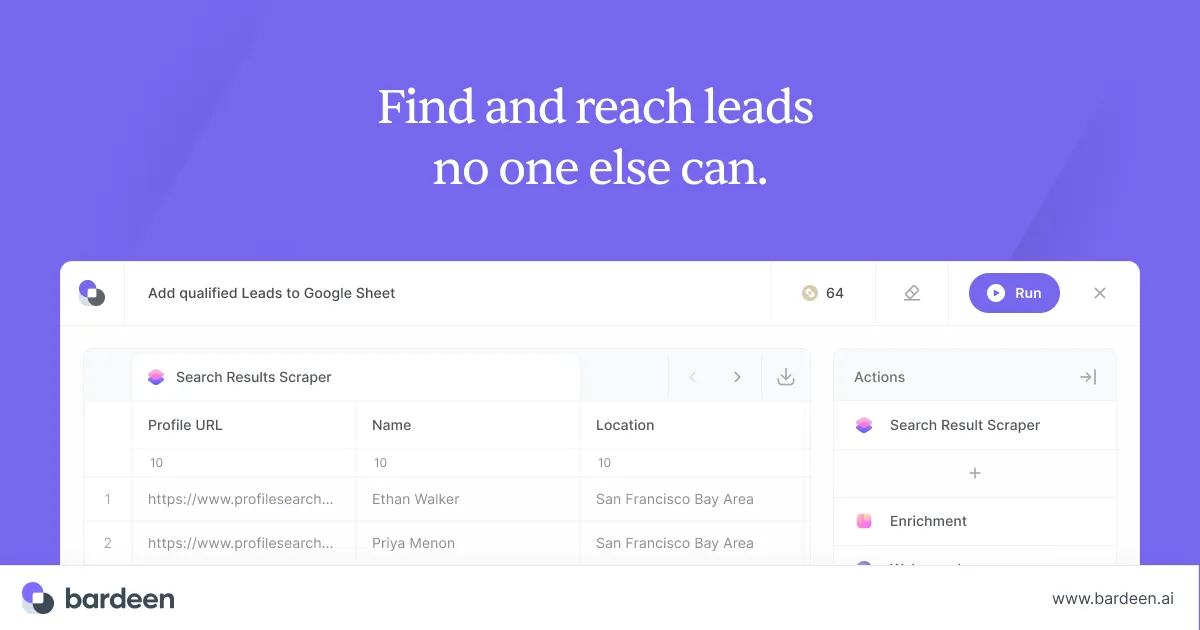
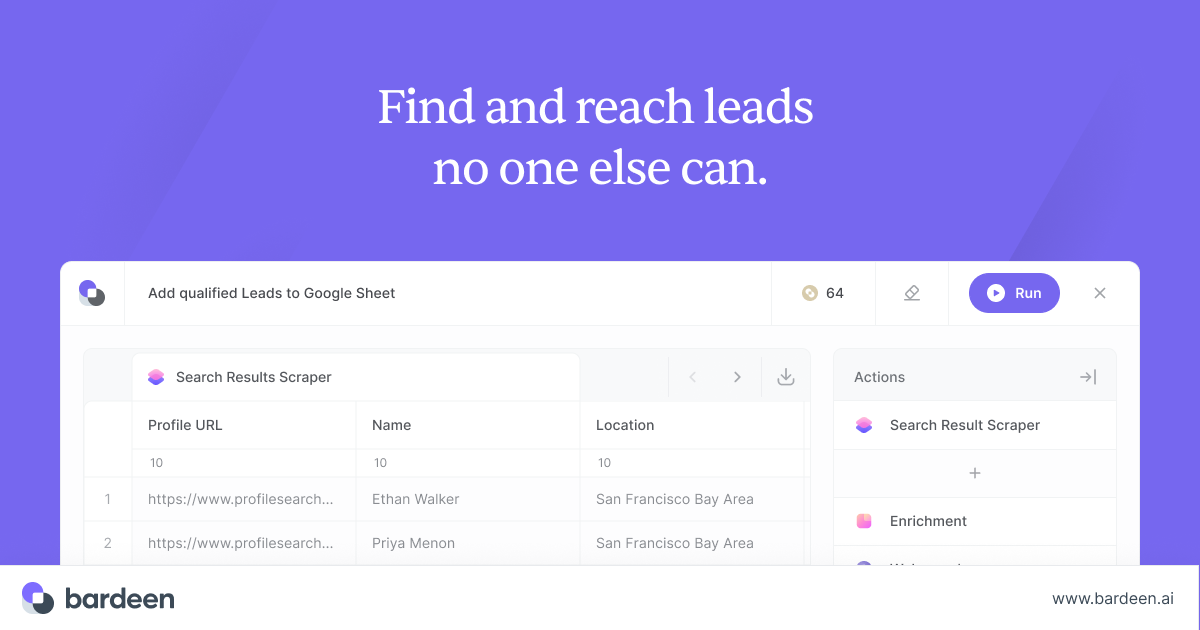
Bardeen is a no-code automation platform that lives entirely inside a Chrome extension. Instead of connecting backend APIs the way Zapier or Make do, Bardeen watches what you do in your browser and automates it. Scrape a list of leads from LinkedIn, push them into your CRM, send a personalized outreach sequence, and log the activity in a spreadsheet - all triggered from a single click or a typed command.
The platform launched in 2020 and has since added an AI layer that lets you describe workflows in plain English. Type "every time I save a LinkedIn profile, add the contact to HubSpot and notify me in Slack," and Bardeen builds the playbook for you. In our testing (conducted April-May 2026), the AI got the workflow right on the first try about 70% of the time. The other 30% needed minor tweaks, usually adjusting a field mapping or adding a filter step.
Bardeen targets a specific user: someone who spends hours doing repetitive browser work but doesn't know Python, JavaScript, or API documentation. That's a huge audience. Sales reps, recruiters, marketers, and freelancers automating admin tasks all fit the profile.
Key Features: What Bardeen Actually Does Well
Bardeen's feature set splits into four pillars. Each one solves a different flavor of browser drudgery.
AI Workflow Builder (Magic Box) You type what you want automated in natural language. Bardeen's Magic Box interprets the request and assembles a playbook from its library of pre-built actions. We tested 15 different prompts ranging from simple ("save this page to Notion") to complex ("scrape all company names from this Google Maps search, enrich them with email addresses, and add to a Google Sheet"). Simple prompts worked flawlessly. Complex, multi-step prompts needed 1-2 manual corrections on average.
Web Scraping This is where Bardeen separates from cloud automation tools. It scrapes live web pages directly in your browser. LinkedIn profiles, Google Maps listings, product directories, job boards - if you can see it in Chrome, Bardeen can likely extract it. The AI-powered scraper auto-detects repeating data patterns on a page. During testing, it correctly identified table structures and list items on 9 out of 10 pages we tried.
Pre-Built Playbooks Bardeen ships with 500+ ready-made automations organized by use case: sales prospecting, recruiting, project management, research. These playbooks connect popular tools like HubSpot, Salesforce, Slack, Notion, Google Sheets, and Airtable. The playbook library is Bardeen's fastest on-ramp. We had a working lead-scraping workflow running in under 3 minutes on our first session.
Cross-App Integrations The platform connects to 100+ apps through native integrations. Unlike pure browser automation (which only moves data within Chrome), Bardeen bridges browser actions with cloud apps. Scrape a contact from a website, push it to your CRM, trigger a Slack notification, and log it in a spreadsheet - all in one playbook. The integration depth varies by app. HubSpot and Google Sheets have deep, field-level mapping. Less common apps may only support basic read/write operations.
For teams that already use ClickUp or monday.com for project management, Bardeen integrates with both and can push scraped data or trigger tasks directly inside those platforms.
Pricing and Plans: What Bardeen Costs in 2026
Bardeen uses a credit-based pricing model. Every automation run costs credits, and your plan determines how many you get per month.
| Plan | Price | Credits/Month | Key Features |
|---|---|---|---|
| Free | $0/mo | 100 credits | Core playbooks, basic integrations, limited scraping |
| Pro | $10/mo | 500 credits | Premium integrations, priority support, advanced scraping |
| Business | $15/user/mo | 1,000 credits | Team sharing, admin controls, analytics |
| Enterprise | Custom | Custom | SSO, dedicated support, custom integrations |
Prices verified on Bardeen's pricing page as of May 2026.
The free tier is genuinely useful for light users. 100 credits per month covers about 20-30 simple automations or 10-15 multi-step workflows. If you're a solo freelancer automating a handful of weekly tasks, free might be enough.
Pro at $10/month is the sweet spot for individual power users. 500 credits handles daily automation without constant credit-watching. The premium integrations (Salesforce, HubSpot advanced fields) unlock at this tier, which matters for sales workflows.
The Business tier adds team collaboration features. Multiple team members can share playbooks, and admins get usage analytics. At $15/user/month, it's competitive with other AI automation tools, though credit limits can become a bottleneck for high-volume teams.
One frustration: credit costs aren't transparent upfront. A simple "save to Google Sheets" action costs 1 credit, but a complex multi-step playbook with scraping and enrichment can cost 5-8 credits per run. You won't know until you build and test the workflow.
Who Should (and Shouldn't) Use Bardeen
Bardeen is built for you if:
- You're a sales rep or recruiter who manually copies data from LinkedIn, websites, or directories into your CRM dozens of times per day
- You're a non-technical user who wants automation but refuses to learn Zapier's conditional logic or write a single line of code
- You need browser-native automation (scraping, form filling, tab management) that cloud tools can't touch
- You're a freelancer or solopreneur juggling 5+ web apps and losing hours to context switching
Bardeen is not for you if:
- You need automations that run on a server 24/7 without your browser open. Bardeen requires Chrome to be running.
- You want deep, complex conditional logic with branching workflows. Bardeen handles linear and lightly branching flows well but struggles with sophisticated decision trees.
- Your automation needs are entirely backend (database-to-database, server-to-server). Tools like Activepieces or n8n handle that better.
- You work primarily in Firefox, Safari, or desktop apps. Bardeen is Chrome-only with no exceptions.
How Does Bardeen Compare to Zapier?
This is the question everyone asks, and the answer is straightforward: they solve different problems.
Zapier connects 6,000+ apps at the API level. It runs automations on servers, so they execute 24/7 whether your browser is open or not. Zapier excels at backend workflows: "When a new row appears in Google Sheets, create a deal in HubSpot and send a Slack message." It's reliable, mature, and scales to enterprise volumes.
Bardeen operates where Zapier can't - inside your browser. Zapier cannot scrape a LinkedIn search results page. It can't fill out a web form, click through a multi-step checkout process, or extract data from a website that doesn't have an API. Bardeen does all of that.
| Capability | Bardeen | Zapier |
|---|---|---|
| Browser scraping | Yes | No |
| Form auto-filling | Yes | No |
| App integrations | 100+ | 6,000+ |
| Runs without browser | No | Yes |
| AI workflow builder | Yes (Magic Box) | Yes (limited) |
| Free tier | 100 credits/mo | 100 tasks/mo |
| Starting price | $10/mo | $19.99/mo |
In our testing, the ideal setup for many sales teams is both: Bardeen handles the browser-side scraping and data capture, then hands off to Zapier (or a similar tool) for the backend routing and long-running sequences. They're complementary, not competitors.
If you're choosing only one and your workflows are mostly browser-based, Bardeen wins on price and capability. If your workflows are mostly app-to-app with no browser interaction, Zapier is the clear choice.
For users exploring AI-powered alternatives in the sales automation space, Apollo.io and Katie offer built-in prospecting and outreach that overlap with some of Bardeen's sales use cases.
Our Testing Process
We tested Bardeen over 3 weeks (April 21 - May 12, 2026) on the Pro plan ($10/month). Our test scenarios included:
- Lead scraping: Extracted 200+ contacts from LinkedIn Sales Navigator searches and pushed them to Google Sheets. Success rate: 94% (12 records had missing fields due to incomplete LinkedIn profiles).
- Multi-app workflow: Built a playbook that scraped product listings from a competitor's website, formatted the data, added it to Airtable, and sent a Slack summary. Setup time: 11 minutes. Ran flawlessly for 2 weeks.
- AI prompt testing: Gave Magic Box 15 natural language automation requests. 11 produced working playbooks immediately. 4 needed manual adjustments.
- Credit consumption: Used 347 of 500 Pro credits in 3 weeks with moderate daily use (3-5 automations per day).
We haven't tested the Enterprise tier or team collaboration features. Our evaluation focused on individual use cases.
Editorially reviewed by Todd Stearn. Read our methodology.
The Bottom Line
Bardeen earns an 8/10 for doing something no other mainstream automation tool does as well: turning your Chrome browser into a programmable automation engine without requiring code. The AI workflow builder works, the scraping capabilities are strong, and the $10/month Pro plan delivers real value for anyone drowning in repetitive browser tasks. The Chrome-only limitation and credit-based pricing are real tradeoffs, but for its target user - sales reps, recruiters, and freelancers who live in their browser - Bardeen eliminates hours of manual work per week.
Try Bardeen Free →
Frequently Asked Questions
Is Bardeen free to use?
Bardeen offers a free tier with 100 automation credits per month and access to core playbooks. The Pro plan starts at $10/month for individuals who need more runs and premium integrations. Teams and enterprise plans are available with custom pricing for larger organizations.
Does Bardeen work outside of Chrome?
Bardeen runs exclusively as a Chrome extension. It cannot automate tasks in Firefox, Safari, or desktop applications. All automations trigger within the Chrome browser environment, though it connects to external apps like Slack, Notion, and HubSpot through API integrations.
How does Bardeen compare to Zapier?
Bardeen handles browser-native tasks like scraping LinkedIn profiles and filling forms that Zapier cannot do. Zapier excels at backend app-to-app integrations with 6,000+ connectors. Bardeen is better for hands-on browser workflows, while Zapier suits server-side automation at scale.
Can Bardeen scrape data from websites?
Yes, web scraping is one of Bardeen's strongest features. It can extract structured data from LinkedIn, Google Maps, product pages, and most public websites. The AI-powered scraper identifies data patterns automatically, though some sites with aggressive bot protection may block it.
Is Bardeen safe to use with sensitive business data?
Bardeen processes most automations locally in your browser, reducing data exposure compared to cloud-only tools. It uses encrypted API connections for third-party integrations. However, granting a Chrome extension broad browser permissions carries inherent risk, so review their privacy policy before connecting sensitive accounts.
Related AI Agents
Looking for alternatives or complementary tools? Here are related agents worth considering:
- Activepieces - Open-source automation platform for backend app-to-app workflows
- Relevance AI - AI agent platform for building custom automation workflows
- monday.com Agent Factory - AI-powered project management with built-in automation
- Apollo.io - Sales intelligence and outreach platform with prospecting automation
- ClickUp Brain - AI assistant built into project management for task automation
Get weekly AI agent reviews in your inbox. Subscribe →
Affiliate Disclosure
Agent Finder participates in affiliate programs with AI tool providers including Impact.com and CJ Affiliate. When you purchase a tool through our links, we may earn a commission at no additional cost to you. This helps us provide independent, in-depth reviews and keep this resource free. Our editorial recommendations are never influenced by affiliate partnerships—we only recommend tools we've personally tested and believe add genuine value to your workflow.
Try Bardeen today
Get started with Bardeen — free tier available on most plans.
Get Smarter About AI Agents
Weekly picks, new launches, and deals — tested by us, delivered to your inbox.
Join 1 readers. No spam. Unsubscribe anytime.
Related Articles
Activepieces Review 2026: Open-Source AI Automation
Activepieces is an open-source Zapier alternative with AI agents and 400+ integrations. We tested it for 3 weeks. Read our full Activepieces review.
MindStudio Review 2026: No-Code AI Agent Builder
MindStudio lets you build AI agents without code using 200+ models. We tested it for 3 weeks. Read our full MindStudio review for pricing, features, and verdict.
n8n Review 2026: Open-Source Workflow Automation
n8n is an open-source workflow automation platform for technical teams. We tested it for 4 weeks. Read our full n8n review with pricing, pros, cons, and verdict.