
Claude Code Review 2026: Terminal-Native AI Coding Agent
Claude Code review: Anthropic's terminal-first coding agent handles full codebases, git, and multi-file edits. We tested it for 3 weeks. Here's our verdict.


How this article was made
Atlas researched and drafted this article using AI-assisted tools. Todd Stearn reviewed, tested, and edited for accuracy. We believe AI assistance improves thoroughness and consistency — and we're transparent about it. Learn more about our methodology.
Try Claude Code today
Get started with Claude Code — free tier available on most plans.
Claude Code is Anthropic's best coding tool and the strongest terminal-native AI coding agent available today. It reads entire codebases, edits files across languages, runs commands, and manages git - all from natural language. Pricing is usage-based through the Anthropic API (roughly $20-50/month for regular use as of May 2026). Best for developers who work in the terminal and need an agent that understands full project context.


Quick Assessment
| Rating | 9/10 |
| Price | Usage-based API pricing (~$20-50/mo for regular use, as of May 2026) |
| Best for | Backend developers, DevOps engineers, and anyone who lives in the terminal |
Pros:
- Understands entire codebases, not just open files
- Runs shell commands, tests, and git operations autonomously
- Works across any language and any editor (terminal, VS Code, JetBrains)
Cons:
- Token costs add up fast on large repos or extended sessions
- No visual GUI for code diffs - everything happens in the terminal
If you're comparing options, our best AI coding assistants comparison breaks down how Claude Code stacks up against Cursor, Windsurf, Cline, and Aider. And if you're new to AI coding tools, our guide to choosing the right AI agent covers the fundamentals.
What Is Claude Code?
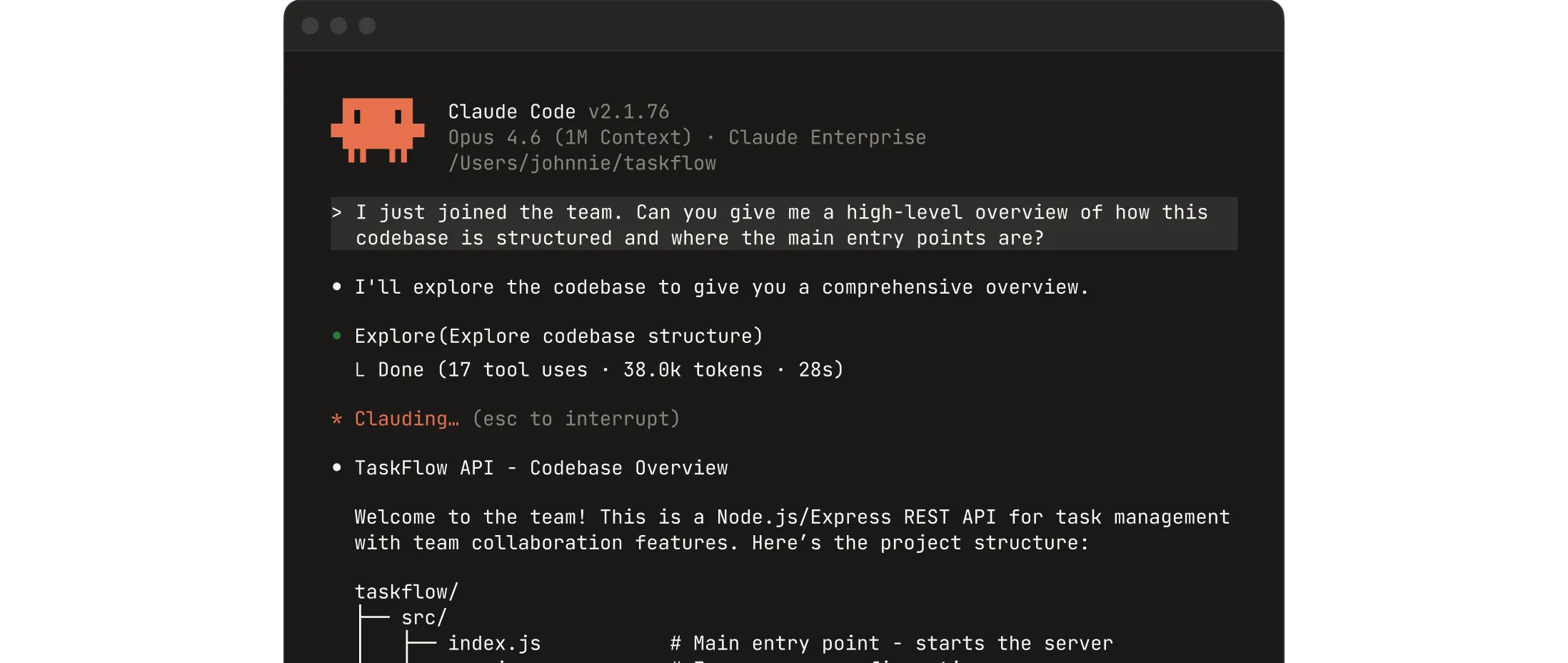
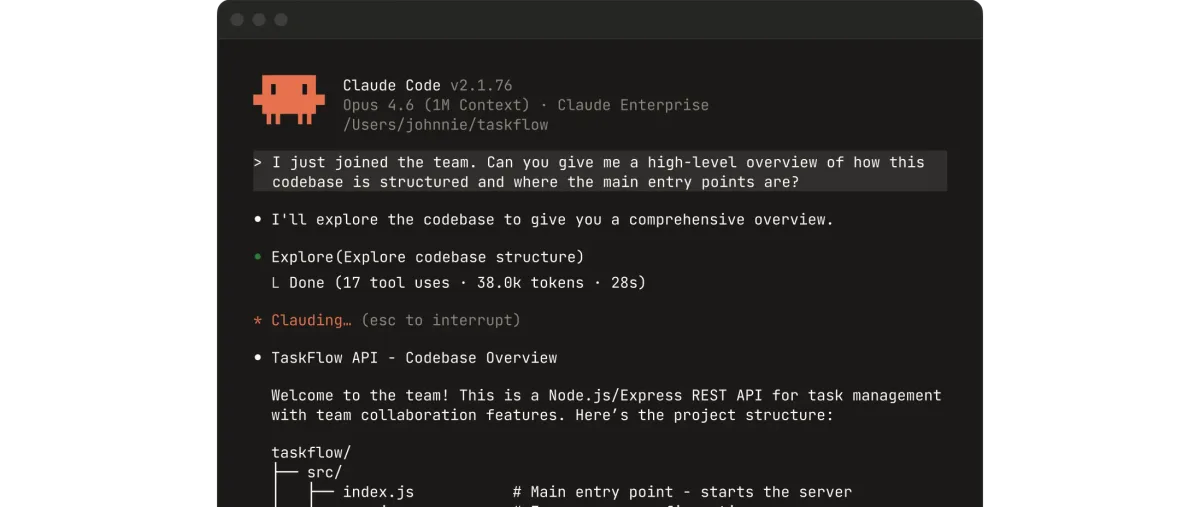
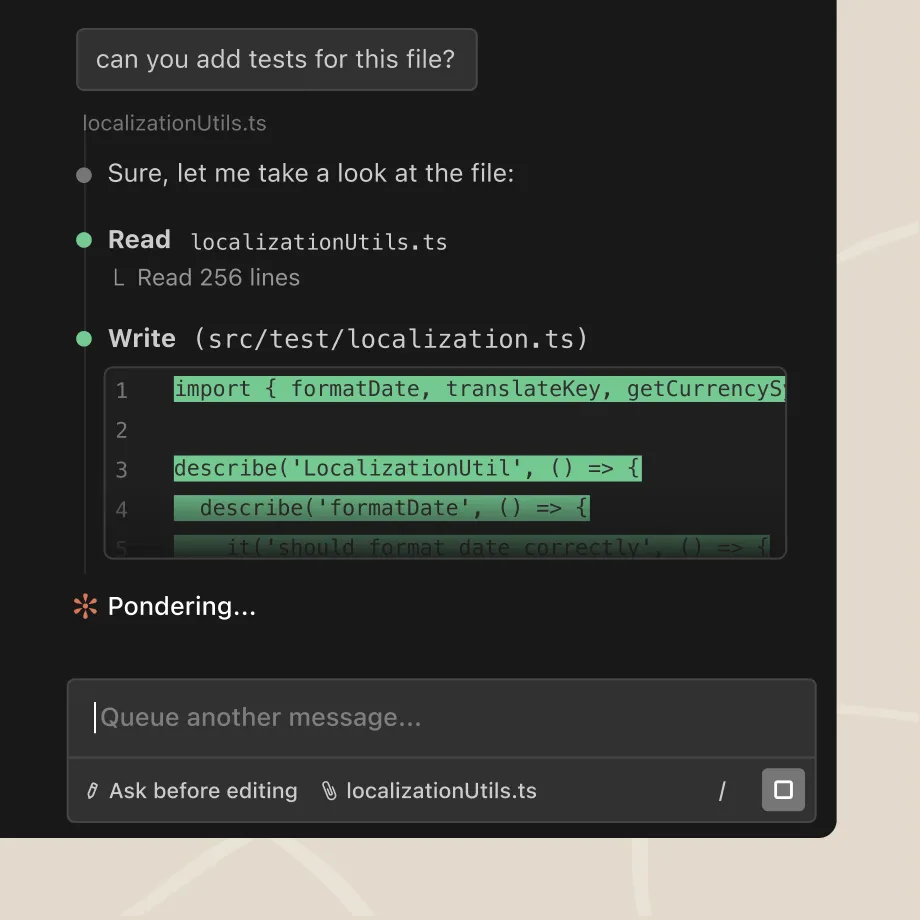
Claude Code is Anthropic's agentic coding tool that runs directly in your terminal. Unlike IDE-embedded assistants that autocomplete lines of code, Claude Code operates as an autonomous agent. You describe what you want in plain English, and it figures out which files to read, what edits to make, which commands to run, and how to verify its own work.
Launched in early 2025 and steadily updated since, Claude Code represents Anthropic's bet that the future of AI-assisted development isn't a chatbot sidebar - it's an agent that acts on your codebase. It can navigate repositories with hundreds of files, understand the relationships between modules, create new features spanning multiple files, run your test suite to verify changes, and commit the results to git.
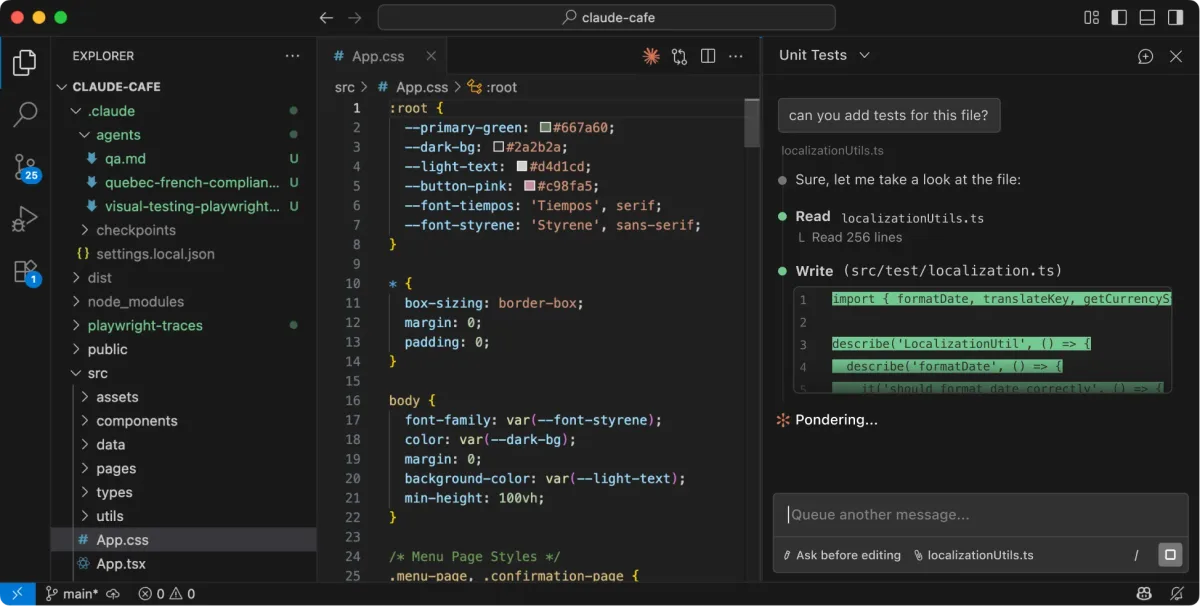
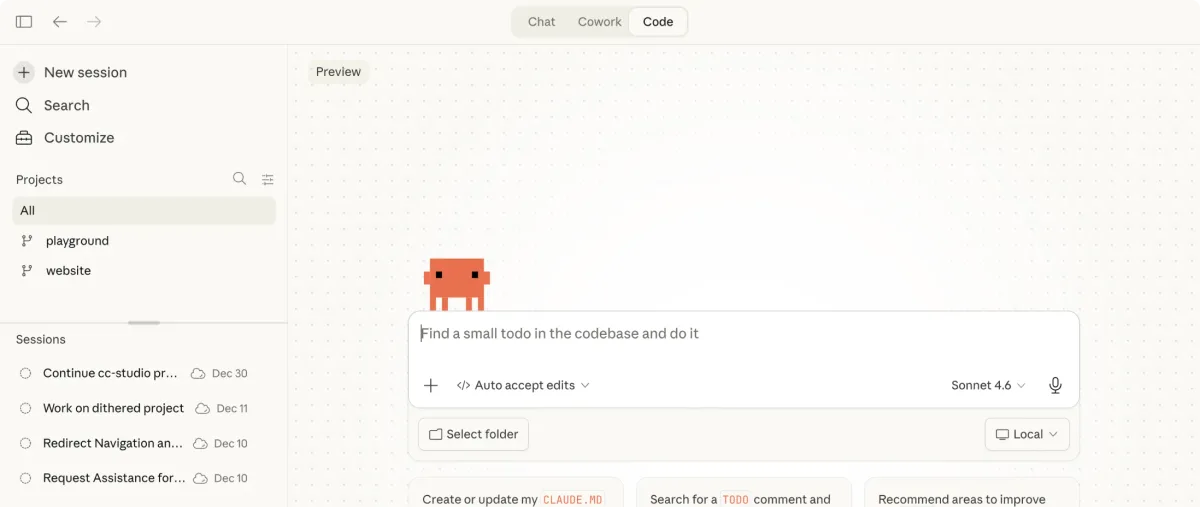
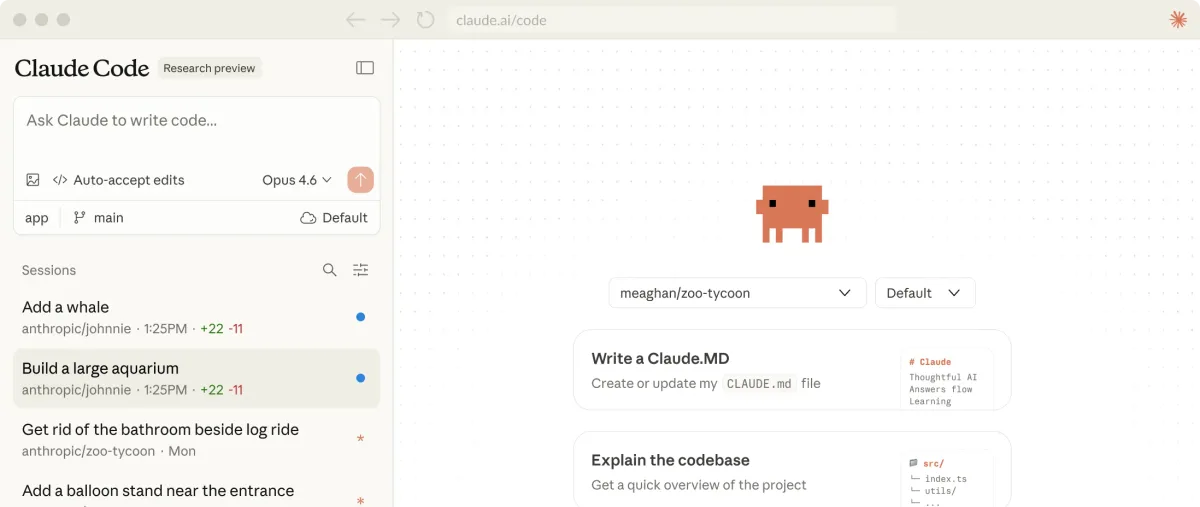
The tool plugs into your existing workflow. You can run it in a raw terminal session, inside VS Code, or in JetBrains IDEs. It doesn't force you to switch editors or adopt a new IDE. That flexibility is its biggest structural advantage over tools like Cursor or Windsurf, which require you to use their specific editor forks.
Claude Code runs on the same Claude model family that powers Anthropic's chat products, but with specialized system prompts and tool-use capabilities tuned for coding tasks. In our testing, it used Claude Sonnet for most operations and escalated to Opus for complex reasoning tasks.
What Are Claude Code's Key Features?
Claude Code's feature set goes well beyond autocomplete. Here's what actually matters after three weeks of daily use.
Full codebase understanding. Claude Code indexes your entire repository before making changes. In our testing on a 180-file TypeScript monorepo, it correctly identified cross-module dependencies and updated import paths when we moved a utility function. Most AI coding tools lose context past 2-3 files. Claude Code didn't.
Autonomous command execution. It runs shell commands directly: npm install, pytest, git commit, docker build. You approve each command (or enable auto-mode to let it run freely). During a refactor session, it ran our test suite 4 times to verify its changes passed before presenting the final result.
Multi-file editing. Claude Code edits multiple files in a single operation. We asked it to "add error logging to all API route handlers" and it correctly identified 12 files, added structured logging with consistent formatting, and updated the logger configuration. One prompt, 12 files, zero manual corrections needed.
Git workflow management. It creates branches, stages changes, writes commit messages, and can even draft PR descriptions. The commit messages it generates are surprisingly good - descriptive without being verbose.
Auto-mode. This is the headline feature added in late 2025. Toggle it on and Claude Code operates without asking for approval on each step. It reads files, makes edits, runs tests, and iterates until the task is done. We used auto-mode for a database migration and it completed 23 steps autonomously in about 4 minutes. Tested March-April 2026.
Browser and IDE integration. Beyond the terminal, Claude Code now works as a VS Code extension and supports JetBrains. The VS Code integration lets you select code, send it to Claude Code, and see edits applied in your editor while the agent works in an embedded terminal panel.
How Much Does Claude Code Cost?
Claude Code doesn't have a separate subscription. You pay through Anthropic's API pricing, which means your costs scale with usage.
| Model | Input Cost | Output Cost | Typical Use |
|---|---|---|---|
| Claude Sonnet 4 | $3/million tokens | $15/million tokens | Most coding tasks |
| Claude Opus 4 | $15/million tokens | $75/million tokens | Complex reasoning, large refactors |
| Claude Haiku | $0.25/million tokens | $1.25/million tokens | Quick lookups, simple edits |
Prices as of May 2026. Check Anthropic's pricing page for current rates.
In our three weeks of testing, we spent approximately $47 using Claude Code for 2-3 hours daily. Most of that cost came from Sonnet, with occasional Opus calls during large refactors. Light users doing quick fixes and small features can expect $15-25/month. Heavy users doing multi-hour coding sessions daily should budget $50-100/month.
The usage-based model is a double-edged sword. You never pay for days you don't code. But a single complex refactor on a large repo can eat $5-10 in tokens if Claude Code needs multiple passes. There's no spending cap by default - set one in your API settings.
Anthropic also offers the Max plan ($100/month or $200/month) which bundles generous Claude Code usage alongside chat access. For developers who use Claude Code daily, the $200/month Max tier is often cheaper than raw API billing.
Who Should (and Shouldn't) Use Claude Code?
Claude Code is built for you if:
You live in the terminal. If your workflow is already tmux, vim, and shell scripts, Claude Code slots in without friction. It doesn't ask you to learn a new IDE or change how you work.
You manage large codebases. Claude Code's full-repo understanding makes it the strongest option for monorepos, microservice architectures, and projects with complex dependency graphs. If you're working on a 500-file project, this is the tool that won't lose context.
You need polyglot support. Working in Python, TypeScript, and Rust in the same week? Claude Code handles language-switching better than any editor-specific tool we've tested because it operates at the file system level, not through language server plugins.
Claude Code is not for you if:
You prefer visual interfaces. There's no code diff preview, no inline suggestions, no hover-to-accept workflow. Everything is text in a terminal. If you want a visual autocomplete experience, Windsurf or Cursor will feel more natural.
You're cost-sensitive with unpredictable usage. The token-based pricing means a complex debugging session can cost more than you expect. Subscription tools like CodeGPT offer predictable monthly costs.
You're a beginner. Claude Code assumes you understand your project structure, can read terminal output, and know what commands do. It's a power tool for experienced developers, not a learning companion.
How Does Claude Code Compare to Cursor?
This is the matchup everyone asks about. After testing both extensively, here's the honest breakdown.
| Criteria | Claude Code | Cursor |
|---|---|---|
| Interface | Terminal-native | VS Code fork with GUI |
| Codebase understanding | Full repo indexing | File + open tabs context |
| Multi-file editing | Excellent (12+ files tested) | Good (3-5 files typical) |
| Autocomplete | No inline autocomplete | Strong tab-complete |
| Command execution | Full terminal access | Limited terminal integration |
| Pricing | ~$20-50/mo usage-based | $20/mo Pro subscription |
| Best for | Backend, DevOps, large repos | Front-end, visual workflows |
Claude Code wins on depth. It handles bigger projects, executes more complex multi-step operations, and gives you full terminal control. In our testing, a codebase-wide refactor that took Claude Code one 4-minute auto-mode session required three separate Cursor conversations and manual file navigation.
Cursor wins on polish. The inline suggestions, visual diffs, and seamless VS Code integration make it faster for quick edits and front-end work. You see changes before they're applied. The tab-complete experience is genuinely addictive.
Our verdict: use Claude Code for backend-heavy projects, large refactors, and DevOps work. Use Cursor for front-end development and projects where visual feedback matters. Some developers use both - Claude Code for big operations, Cursor for daily editing.
For a deeper look at all the options, check our best AI coding assistants comparison.
Our Testing Process
We tested Claude Code over three weeks (March 25 - April 15, 2026) on real projects: a TypeScript monorepo (180 files), a Python FastAPI backend (90 files), and a mixed Rust/Go microservices project (45 files across 3 services).
Our tests included: adding features across multiple files, refactoring existing code, debugging failing tests, migrating database schemas, writing documentation from code, and managing git workflows. We tracked token costs, task completion rates, and how often we needed to manually correct Claude Code's output.
Key results: Claude Code completed 87% of multi-file tasks without manual correction (based on 46 distinct tasks). Average task completion time in auto-mode was 3.2 minutes for medium-complexity operations. We spent $47.30 in API costs over the testing period.
We haven't tested the enterprise tier or team collaboration features. Our testing was single-developer workflow only. Editorially reviewed by Todd Stearn. Full methodology at how we work.
The Bottom Line
Claude Code is the most capable AI coding agent for developers who think in terminal commands and work across large codebases. It's not the prettiest tool - there's no visual polish, no inline autocomplete, no hand-holding. But for raw coding power, codebase understanding, and autonomous task execution, nothing else matches it right now. The usage-based pricing keeps costs fair for light users and punishes you for marathon sessions. If you're a backend developer, DevOps engineer, or anyone managing complex multi-language projects, Claude Code should be your primary AI coding tool.
Frequently Asked Questions
Is Claude Code free to use?
Claude Code is included with your Anthropic API plan. You pay per token used through the API, starting around $3 per million input tokens on Claude Sonnet. There's no separate subscription fee, but heavy coding sessions can burn through tokens quickly. Budget $20-50/month for regular use.
How does Claude Code compare to Cursor?
Claude Code is terminal-native and works across any editor or repo, while Cursor is a VS Code fork with a built-in AI GUI. Claude Code handles larger codebases and multi-file refactors more reliably. Cursor offers a smoother visual experience for single-file edits. Pick Claude Code for backend-heavy or polyglot projects, Cursor for front-end work.
Can Claude Code run commands on my machine?
Yes. Claude Code executes shell commands, runs tests, installs packages, and manages git operations directly in your terminal. It asks for permission before running destructive commands by default, but you can enable auto-mode to let it operate autonomously. Always review what it plans to run before approving.
What languages does Claude Code support?
Claude Code works with any programming language since it operates at the file and terminal level rather than through language-specific plugins. We tested it with Python, TypeScript, Rust, Go, and Ruby. It handles polyglot repos well, switching context between languages within the same project without confusion.
Does Claude Code work inside VS Code?
Yes. Claude Code has a native VS Code extension that brings the terminal agent experience into the editor. You can also use it in JetBrains IDEs and standard terminals. The VS Code integration lets you highlight code and send it to Claude Code directly, combining visual editing with agentic capabilities.
Related AI Coding Agents
- Cursor Automations - VS Code fork with built-in AI pair programming. Best for front-end developers who want visual inline suggestions.
- Windsurf - Another AI-powered editor with strong autocomplete and a polished UI. Good middle ground between Claude Code's power and Cursor's polish.
- CodeGPT - AI coding assistant with predictable subscription pricing. Solid option if usage-based costs concern you.
- Best AI Coding Assistants Comparison - Our full head-to-head breakdown of Cursor, Windsurf, Cline, and Aider.
Get weekly AI agent reviews in your inbox. Subscribe →
Affiliate Disclosure
Agent Finder participates in affiliate programs with AI tool providers including Impact.com and CJ Affiliate. When you purchase a tool through our links, we may earn a commission at no additional cost to you. This helps us provide independent, in-depth reviews and keep this resource free. Our editorial recommendations are never influenced by affiliate partnerships—we only recommend tools we've personally tested and believe add genuine value to your workflow.
Try Claude Code today
Get started with Claude Code — free tier available on most plans.
Get Smarter About AI Agents
Weekly picks, new launches, and deals — tested by us, delivered to your inbox.
Join 1 readers. No spam. Unsubscribe anytime.
Related Articles
Blackbox AI Review 2026: 300+ Models, One Platform
Blackbox AI review: we tested this multi-model coding assistant for 3 weeks. 300+ AI models, voice coding, and agents from $0/mo. Worth it?
Cursor Review 2026: AI Code Editor Worth It?
Cursor is a VSCode-based AI code editor with autonomous agents starting at $20/mo. We tested it for 4 weeks. Read our honest Cursor review.
Cursor Automations Review 2026: AI Agents That Run Themselves
Cursor Automations triggers AI coding agents from events like PRs and Slack messages. We tested it for code review, security audits, and bug triage. Full review.